


TL;DR: A ticketing platform becomes a HIPAA-compliant ticketing system only when the appropriate business associate agreement (BAA), safeguards, configuration and organizational procedures are in place. Purchasing software or signing a BAA does not, by itself, make your organization compliant. HHS explains that cloud customers retain risk-analysis and compliance responsibilities.
A patient includes a diagnosis in an appointment request. An employee attaches a screenshot of a medical record to an IT ticket. A billing conversation gets forwarded to another department. Ordinary support workflows can put protected health information in places your team did not intend.
Choosing a HIPAA-compliant ticketing system starts with understanding those data flows. Look beyond security badges and compare the agreement, eligible subscription, account settings and channels your team will actually use.
This guide compares 10 platforms and the questions to resolve before using them for patient information. It is a procurement guide, not a legal determination about your organization.
What makes a ticketing system suitable for HIPAA use?
The right system must support your service process and your responsibilities for electronic protected health information, or ePHI. Understanding how a help desk ticketing system manages ticket ownership, routing, and support workflows can help you identify where sensitive information may be handled.
A useful evaluation covers both the vendor’s commitments and your team’s day-to-day handling of requests.
Start by identifying where sensitive information could appear: ticket descriptions, attachments, custom fields, email replies, exports, notification previews and connected applications. Then determine which of those locations and services your proposed arrangement covers.
HIPAA’s Security Rule addresses administrative, physical and technical safeguards. Software controls are one part of that broader framework; staff practices, risk management and incident procedures also matter. HHS Security Rule summary.
Treat “HIPAA-ready” as a starting point for evaluation. Ask for the contract and implementation guidance behind the label. HHS does not recognize private Security Rule certifications as a substitute for an organization’s legal obligations. HHS certification guidance.
Compare HIPAA eligibility before comparing subscription prices
How we reviewed these options: We checked public vendor documentation, healthcare pages and available pricing information on 21 September 2026. This is a documentation-based comparison, not hands-on testing or an independent compliance audit.
BoldDesk publishes this guide and is included in the comparison. Product-fit guidance is editorial judgment.
A documented BAA process does not mean every feature or subscription is eligible. “Confirm” below means the public sources reviewed did not establish that detail; it is not a finding that a vendor cannot meet the requirement.
| Vendor/product | Eligible service/plan | Configuration to evaluate | Restrictions/unresolved scope | Eligible-service pricing |
| BoldDesk | Confirm current eligibility | Support activation and HIPAA settings | See dedicated restriction section below | Confirm HIPAA enablement, BAA scope and pricing |
| Help Scout | Pro | Signed BAA and account enablement | AI requires an additional healthcare addendum | Obtain current Pro quote and billing term |
| OneDesk | Specific HIPAA-enabled license | BAA and mandatory account settings | Confirm enabled features and deployment scope | From $27.99/user/month, billed annually; product selection affects total |
| Jira Service Management | Cloud Standard, Premium or Enterprise | BAA, HIPAA tagging and notification settings | Free/trial excluded; third-party apps require separate review | Quote the selected eligible plan |
| Freshdesk | Confirm current plan | BAA and mandatory configurations | Custom mailbox/apps need customer assessment | Request quote for the required configuration |
| Hiver | Confirm eligible plan | Review account, mailbox and access settings | Confirm channel, AI and integration coverage | Request eligible-plan quote |
| Giva | Vendor states all editions | Agree BAA and deployment controls | Validate selected modules and data flows | Professional: $76/agent/month annually; minimum five licenses |
| HappyFox | Confirm eligible Help Desk offer | BAA and configuration review | Do not extend Help Desk coverage to every HappyFox product | Request healthcare deployment quote |
| Salesforce | Services covered by the applicable BAA | Contract and service-specific restrictions | Product names alone do not establish feature coverage | Request scoped service/add-on quote |
| Medchat·ai | Confirm covered service | Obtain BAA and deployment requirements | Public BAA terms were not established in this review | Request scoped proposal |
Source check: 21 September 2026 for every row. Prices are in USD where shown. Giva’s figures come from its pricing page.
Pricing should be verified from the official source. This table is a shortlist for due diligence, not a certification of the listed products.
Which HIPAA-compliant ticketing system fits your healthcare support workflow?
Choose the type of work first: patient service, employee IT support, shared-inbox collaboration or a broader healthcare application. Then validate the exact configuration against your requirements.
1. BoldDesk
Consider for: Healthcare teams evaluating structured ticket ownership and support coordination.
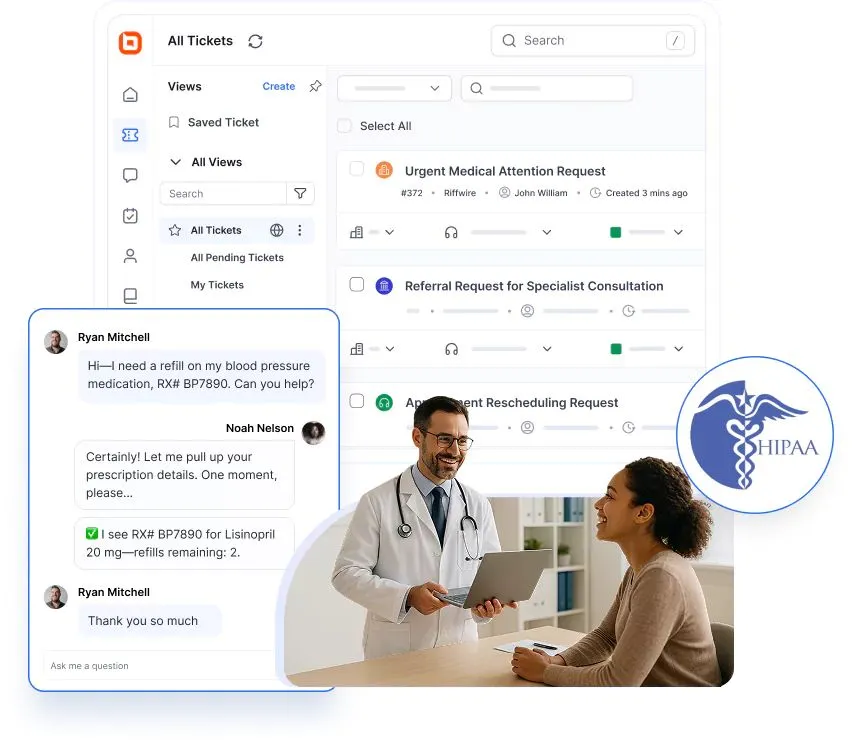
BoldDesk is a HIPAA-ready help desk with a documented BAA and enablement process. Its HIPAA overview describes authentication, role-based access, audit trails, and encryption in transit and at rest.
These controls can support a healthcare support workflow when implemented appropriately. BoldDesk HIPAA compliance.
Trade-off: Evaluate the restricted HIPAA configuration, not the general AI or omnichannel product demonstration. The detailed restrictions below materially affect workflow design.
Pricing and decision: Confirm your eligible subscription, BAA scope and enablement with BoldDesk. Do not assume the general advertised entry price establishes HIPAA eligibility.
Explore the healthcare help desk, then request a demonstration of your intended workflow.
What users are saying on G2
“Overall, it delivers a unified experience. Features such as the unified inbox, Parent-Child Mapping, workflows, assignment rules, the customer portal, analytics, and knowledge bases make it genuinely impressive and very helpful for providing end-to-end support across tickets. The SLA management is also solid.” – Vinesh K.
2. Help Scout
Consider for: Teams prioritizing shared-inbox conversations and collaboration.
Help Scout documents HIPAA support on Pro, with a signed BAA and account activation. Its guide also describes editing, hiding or deleting thread content to reduce repeat disclosure in replies.
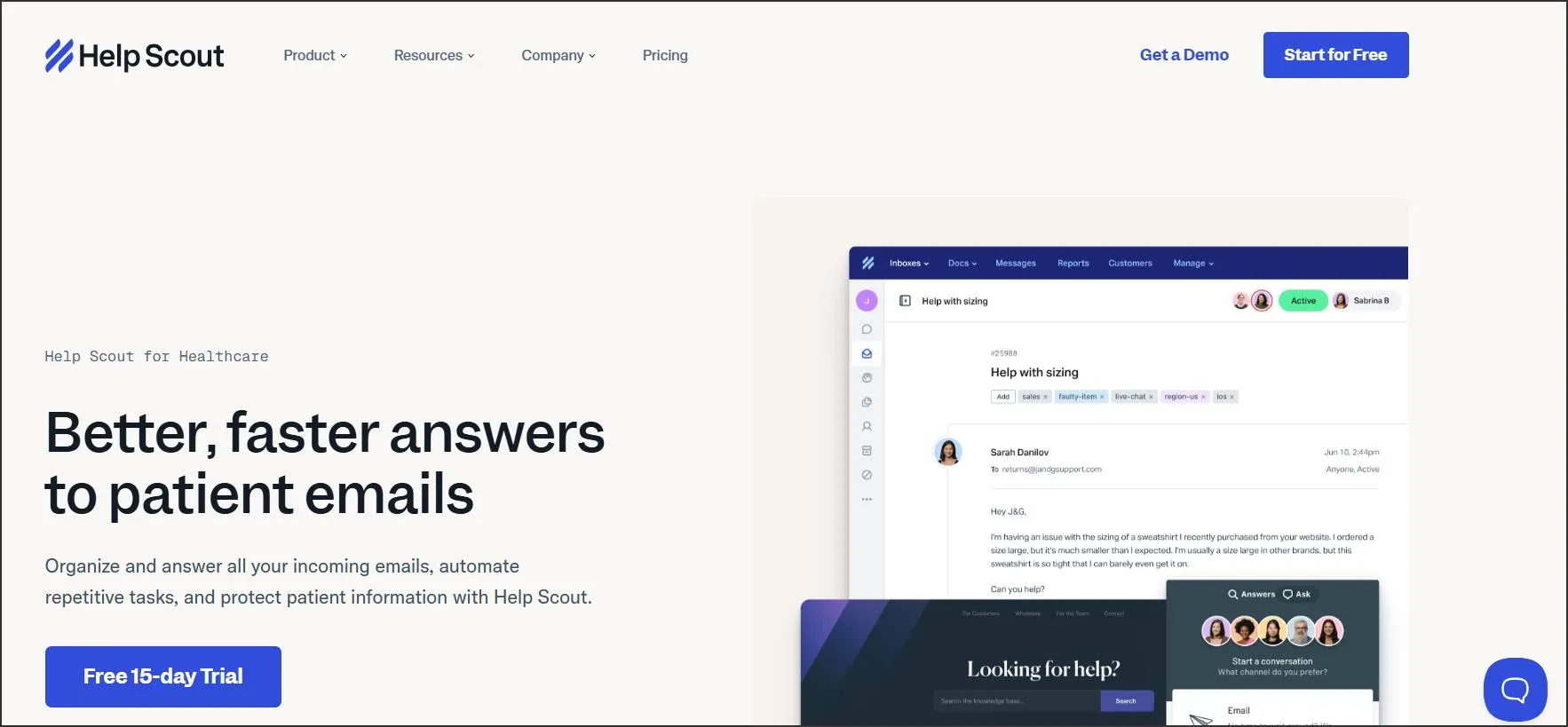
Trade-off: AI use requires its AI Feature Healthcare Addendum in addition to the BAA. Integration partners need their own assessment; Help Scout’s agreement does not settle every connected service’s responsibilities.
Pricing and decision: Obtain a current Pro quote, including user count and billing term. This is not the right starting point if your budget only covers a lower edition.
What users are saying on G2
“They have a lot of shortcuts and mechanisms that allow you and your team to answer emails fast and efficiently. It’s also HIPAA compliant (why we switched to HelpScout!) The super funny Easter eggs that pop up when you clear an inbox are genius! They’re very creative!” – Verified User in Internet.
3. OneDesk
Consider for: Teams evaluating support alongside project work.
OneDesk offers a specific HIPAA-enabled account license, including Enterprise features and its BAA. Its process requires the agreement and required settings before PHI is added.
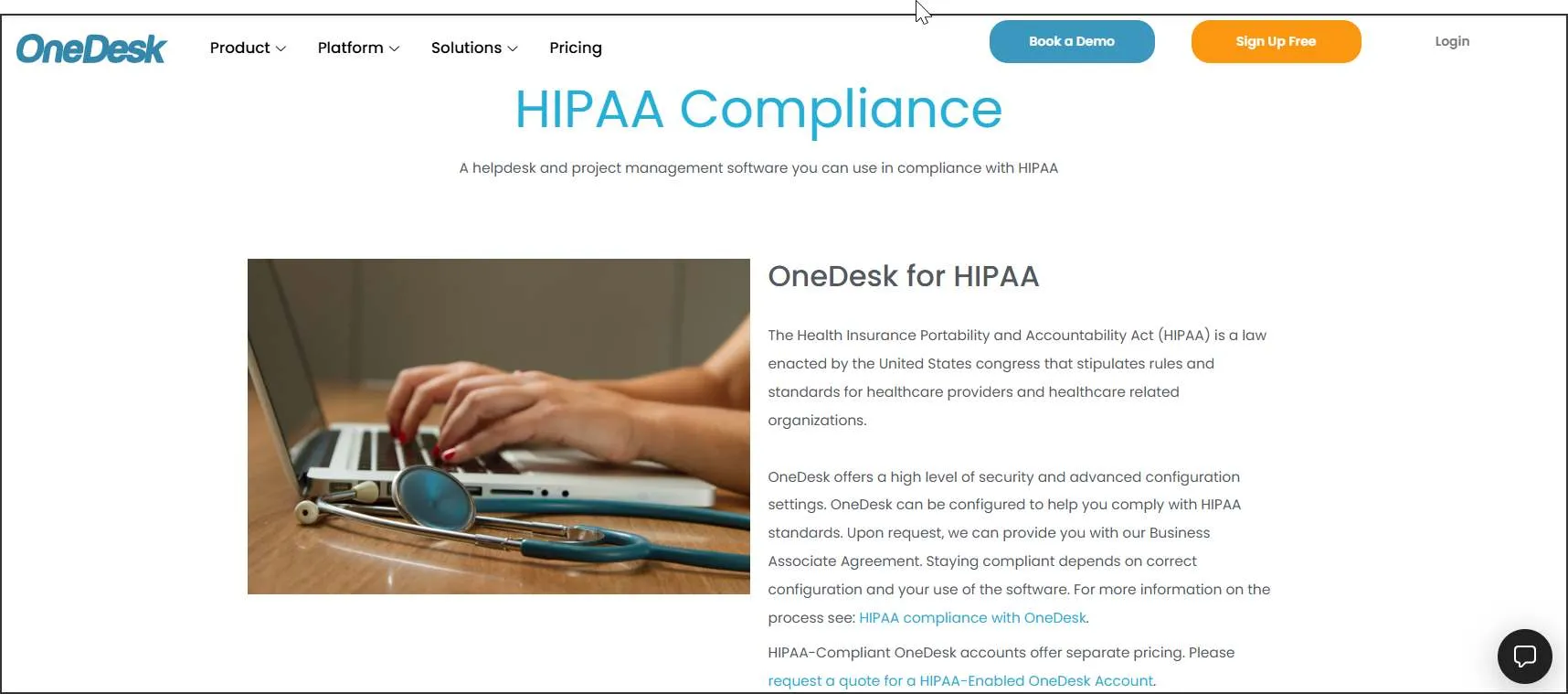
Trade-off: A regular OneDesk subscription should not be treated as the HIPAA-enabled offer. Ask for the configuration checklist and confirm the deployment you intend to buy.
Pricing and decision: The HIPAA-enabled plan starts at $27.99 per user/month billed annually; the final quote depends on product choices. Compare that scoped proposal with your help desk and project requirements.
What users are saying on G2
“The ease of use and smooth interface of the ticketing tools.” – Verified User in Hospital & Health Care.
4. Jira Service Management
Consider for: Healthcare IT teams evaluating service-management workflows.
Atlassian’s current guide includes Jira Service Management Cloud Standard, Premium and Enterprise in its BAA eligibility.
It requires HIPAA tagging and configuration, including safe customer and HIPAA-compliant alert notifications.
Trade-off: Free and trial plans are excluded. Marketplace apps and optional services are not automatically covered. Avoid putting PHI into metadata and other excluded locations identified in the guide.
Pricing and decision: Request the eligible-plan quote at your agent count. Test notification and automation behavior before rollout. Do not rely on older summaries that assume only an Enterprise subscription can qualify.
What users are saying on G2
“We use it for support and ticketing management with our users. I absolutely love it. Has all the things we need almost.” – Verified User in Computer Software.
5. Freshdesk
Consider for: Teams able to manage a defined ticketing configuration and their own email setup.
Freshworks publishes a HIPAA configuration guide covering a BAA and mandatory settings. These include IP restrictions, authentication, a custom mailbox, SSL and disabling Freshconnect. It also gives guidance on sensitive data in encrypted custom fields.

Trade-off: The guide’s visible modification date is August 2023. Obtain confirmation that its requirements match today’s product, plan names and AI features. Custom mailboxes and apps remain a separate customer responsibility.
Pricing and decision: Request a quote covering every mandatory control. Do not use a general Growth price as proof of an eligible configuration.
What users are saying on G2
“Freshdesk is a great customer service suite. It brings together a knowledge base, ticketing, and a chatbot in one place, and it also includes Freddy Agent to answer queries on demand and support customers 24/7.” – Ganapathi K.
6. Hiver
Consider for: Teams evaluating email collaboration for healthcare support.
Hiver’s HIPAA statement describes BAA availability, access controls and activity auditing. These are useful starting points when evaluating how staff share and manage patient-related conversations.

Trade-off: The statement does not establish every current plan, channel or AI feature’s eligibility. An email provider’s terms and configuration also need to fit the intended workflow.
Pricing and decision: Obtain a written offer naming the eligible subscription, supported mailbox provider and covered features. Avoid choosing solely from a general per-user price.
What users are saying on G2
“Level of visibility and organization the solution brings to our team members.” – Taylor G.
7. Giva
Consider for: Healthcare service desks comparing a vendor with an explicit HIPAA and BAA offering across editions.
Giva states that its HIPAA offering and BAA are included across editions. Its documentation describes encryption, access monitoring and backup protections.
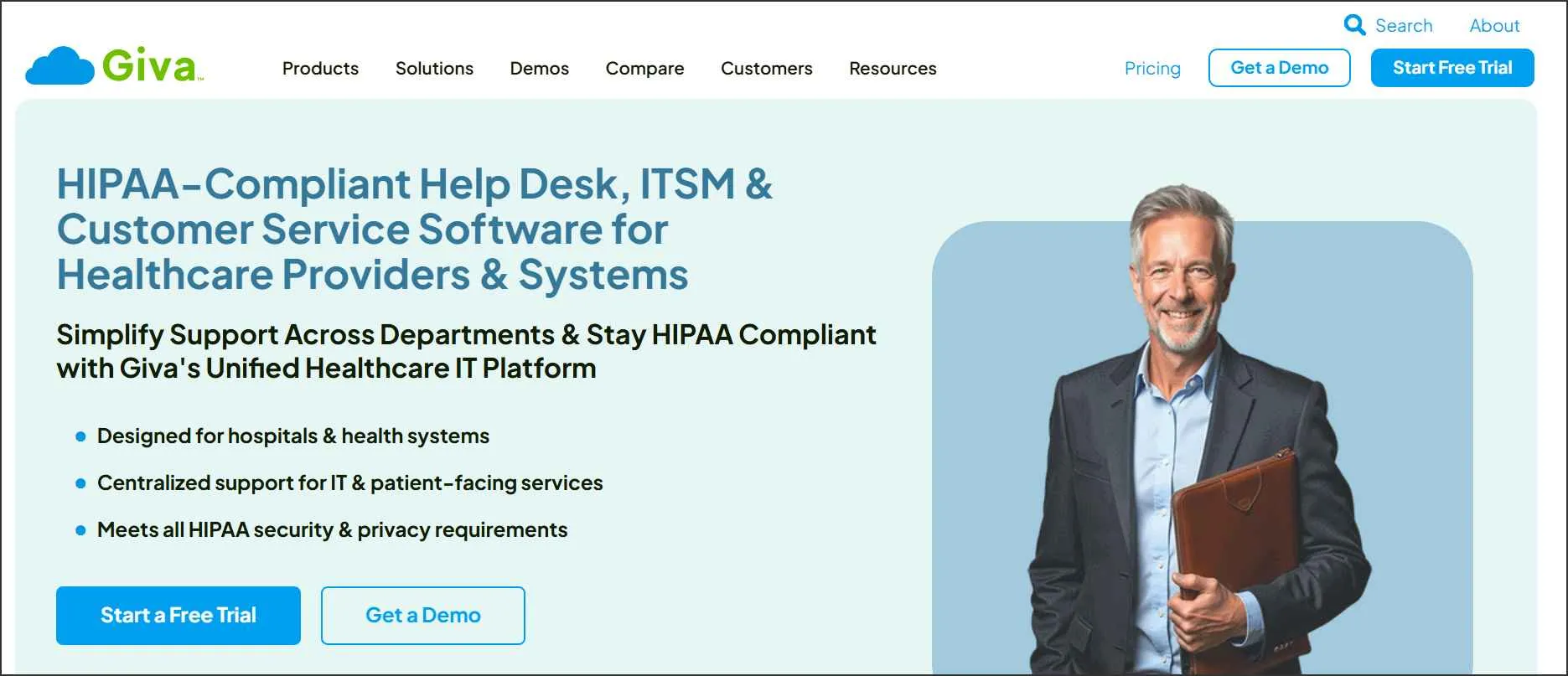
Trade-off: Professional has limits on agents, end users and service desks. Confirm those against your departments and support population.
Pricing and decision: Professional is $76 per agent/month billed annually, with at least five licenses: $380/month equivalent, or $4,560 annually, before other applicable costs. Confirm the modules and terms in your proposal.
What users are saying on G2
“Giva has proven invaluable for supporting our diverse technology product ecosystem, which includes over a dozen different software products ranging from our BankingQ product to our Prior Authorization platform. Giva’s intuitive ticket management system allows our team to efficiently track and resolve customer issues across multiple healthcare applications while serving more than 200 employees.” – Kristin W.
8. HappyFox
Consider for: Teams evaluating ticket workflows across healthcare support departments.
HappyFox’s healthcare page states that it provides a BAA and describes encrypted storage, audit logging and role-based access.
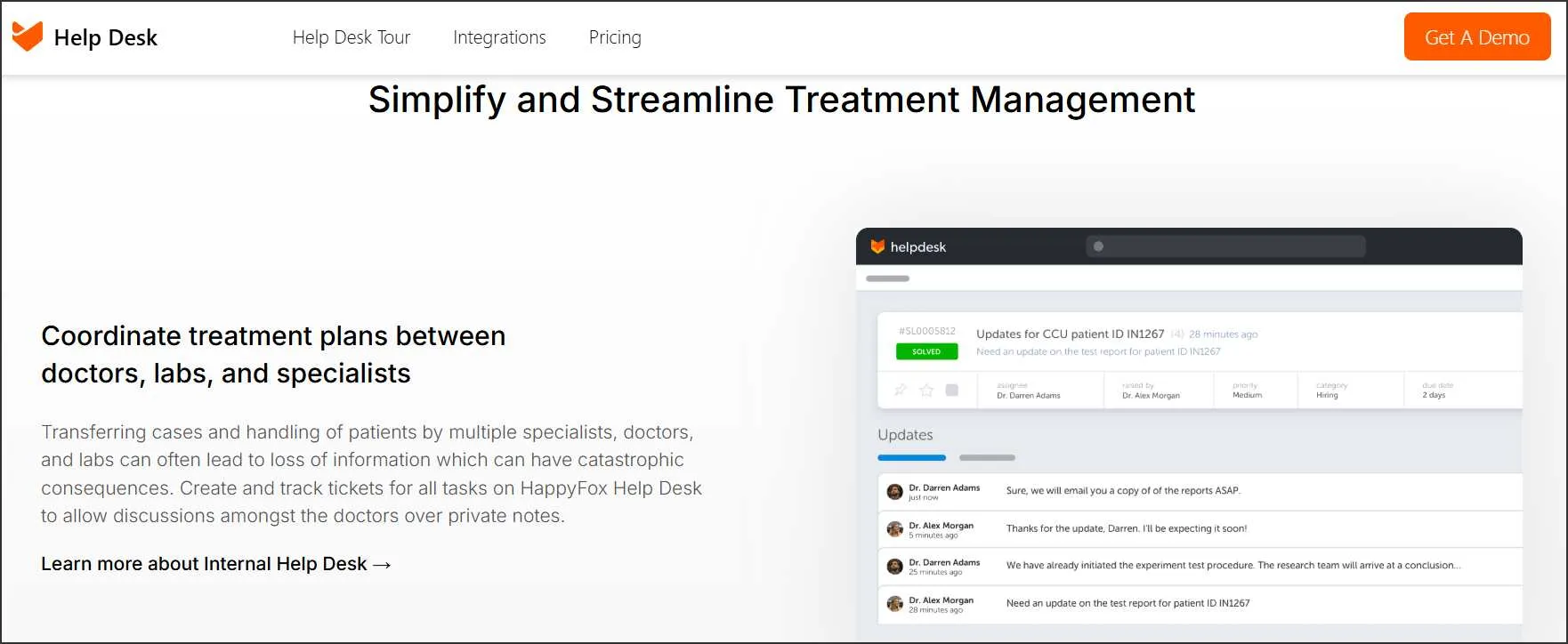
Trade-off: Confirm the specific Help Desk subscription and supported channels. A healthcare statement about one product should not be extended automatically to separate AI, chatbot or workflow products.
Pricing and decision: Request a proposal tied to your PHI workflow and required integrations. Ask the vendor to demonstrate access boundaries and notification behavior with sample data.
What users are saying on G2
“Daily ease of use and ability to report. It gives me a single point of entry for support issues that I can address anywhere.” – Paul M. F.
9. Salesforce
Consider for: Organizations evaluating service processes connected to a broader CRM or healthcare application.
Salesforce directs healthcare customers to their account representative for a BAA and maintains a separate list of covered services and restrictions.
That service-level scope is more useful than a blanket statement about the Salesforce brand.
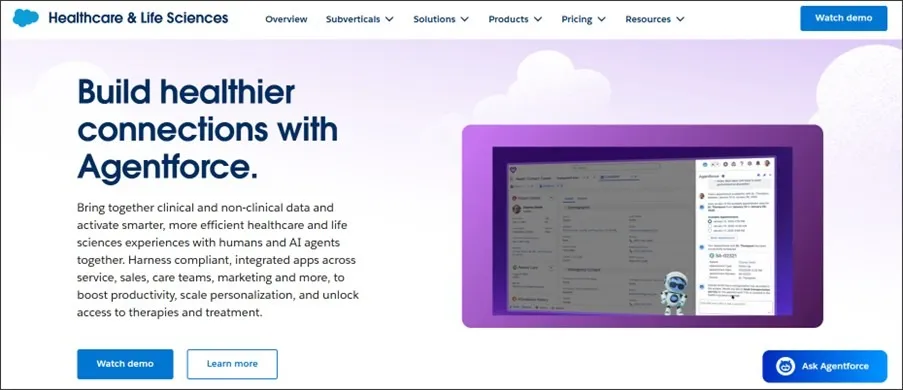
Trade-off: Establish coverage for the exact services, optional capabilities and integrations in your proposed implementation. Do not assume that adding a security product makes every feature eligible.
Pricing and decision: Request a scoped proposal covering subscriptions, implementation and required add-ons.
What users are saying on G2
“The wealth of knowledge Salesforce gathers from its worldwide customer base ensures that, regardless of the service issue you encounter, you are unlikely to be the first to address it using Service Cloud.” – Verified User in Hospital & Health Care.
10. Medchat·ai
Consider for: Healthcare organizations evaluating patient communication and AI workflow automation.
Medchat·ai’s current positioning is broader healthcare automation, rather than a conventional help desk alone. Its security page describes encryption, access controls and security testing.

Trade-off: This review did not establish public BAA terms, eligible packages or a complete feature-exclusion list. That is an evidence gap to resolve with the vendor, not a conclusion that it lacks those arrangements.
Pricing and decision: Obtain the BAA, service scope and implementation quote. If you mainly need a standard ticket queue, first demonstrate assignment, escalation, reporting and human handoff before treating it as an equivalent replacement.
What users are saying on G2
Not available.
Controls and agreements to evaluate for HIPAA use
Ask vendors to show how their proposed deployment handles your actual requests. Use the following procurement checklist to collect evidence; it is not an exhaustive statement of HIPAA requirements.
| Evaluation area | Ask the vendor | Evidence to collect |
| Contract scope | Which legal entity, services, features and subprocessors are covered? | Executed BAA, service list and restrictions |
| Access | Can each role see only the queues and records it needs? | Role matrix and tested sample accounts |
| Encryption | How are transmission, stored records, attachments and backups protected? | Security documentation and configuration details |
| Auditability | Which viewing, editing, exporting and administrative events are recorded? | Sample logs, export options and retention terms |
| Notifications | What appears in email, push alerts and external messaging? | Actual notification examples |
| Integrations and AI | Where does ticket content go after it leaves the help desk? | Data-flow diagram and applicable agreements |
| Retention and exit | How are records exported, deleted and removed from backups? | Contract terms and a tested export |
| Incidents | Who investigates, communicates and provides evidence? | Named contacts and incident procedure |
BAAs establish obligations around permitted uses, safeguards and other responsibilities. Their wording and scope matter; use your privacy or legal team to review the proposed arrangement. HHS business associate contract guidance.
For encryption, distinguish protection in transit from protection at rest. TLS protects transmission; it is not an explanation of database or backup encryption. Ask for both rather than accepting an unsupported “end-to-end encryption” claim.
BoldDesk HIPAA mode: Requirements and feature restrictions
Start with the documented BAA request process: contact support, complete the agreement with authorized signatories, and obtain confirmation that HIPAA features are activated. Verify the account configuration before introducing PHI.
Confirm subscription eligibility directly. BoldDesk’s public HIPAA instructions still reference Enterprise, while the pricing page presents one plan priced by team size.
Ask support to reconcile the requirement for your account and provide the applicable commercial terms. The onboarding guide lists these operational restrictions:
| Area | Documented restriction |
| AI | AI services disabled |
| In-app email restricted; custom email-server configuration is documented | |
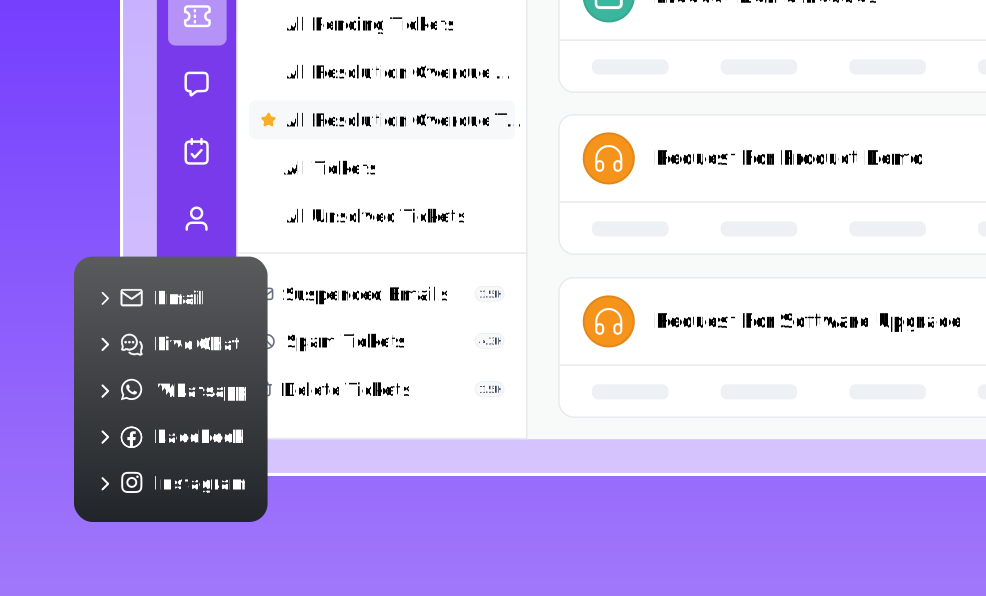
| Social channels | Channels including WhatsApp, Facebook and Instagram restricted |
| Push alerts | Disabled |
| Live chat | ePHI fields not supported |
| CSAT | Restricted |
| CC | Disabled as a non-configurable rule |
| Image attachments | No automatic PHI detection/redaction or HIPAA-specific attachment upload controls |
Buyer implication: Do not design a PHI workflow around unavailable channels or assume that attachments will be automatically sanitized. Validate the permitted email setup and attachment-handling procedure with your team before launch.
Test the healthcare workflow before introducing patient data
A configuration checklist is more useful when it is demonstrated. Use synthetic data for the first evaluation and agree on expected results with your security and support owners.
These are suggested procurement tests, not claims that every listed platform passes them.
| Test | Example scenario | What the team should verify |
| Restricted access | A billing ticket is assigned to an authorized queue | An unrelated user cannot retrieve the content through search, links or export |
| Notification content | A synthetic patient-related ticket changes status | Alerts do not reveal details outside the approved communication path |
| Attachment handling | A test screenshot contains clearly fictional patient information | Staff understand what is protected, what is visible and what requires manual handling |
| Handoff | The request moves between two approved teams | Ownership is explicit and access changes behave as intended |
| Automation | A rule assigns or escalates a request | Recipients, message content and connected destinations match the approved design |
| Audit review | A test user edits or exports a record | The available evidence supports the investigation your team expects to perform |
| Offboarding | A test agent’s access is removed | Sessions, accounts and connected credentials are handled according to your procedure |
| Exit | A sample queue is exported | You understand the format, access protection and subsequent deletion process |
Avoid entering PHI into a standard trial while agreements and eligibility remain unresolved. A trial can still help assess usability using fictional records.
Budget for the eligible deployment
Compare the cost of the workflow you need, not just the smallest number on a pricing page. Ask each shortlisted vendor for the same scope:
- Eligible subscription, agent count, minimum purchase and billing commitment.
- Required authentication, logging, storage and export capabilities.
- Mailbox, integration and identity-provider costs.
- Implementation, migration and administrator training.
- AI or messaging charges only where those features are permitted in the agreed configuration.
- Ongoing ownership of access reviews, changes and incident handling.
Use two or three real request types in every demonstration. Ask each vendor to identify anything it cannot support and include those exclusions in the proposal.
For broader software comparisons, see our best ticketing systems guide. General feature descriptions do not override HIPAA-specific restrictions.
Discuss your healthcare ticketing requirements
The most useful shortlist is the one your support, security and privacy teams can evaluate together. Confirm the agreement, demonstrate the required workflow, and understand the features you will give up before making a purchase.
If you are considering BoldDesk, contact our team about HIPAA enablement and a BAA. Share your agent count, required channels and integration needs using non-sensitive examples.
Ask for confirmation of eligibility, restrictions and pricing for your proposed healthcare support setup.
Related articles
- Cloud-Based Ticketing System: A Guide for Better Customer Support
- Best Email Ticketing Systems: 15 Picks for 2026
- The Best Automated Ticketing System for Businesses (2026)
FAQs
No. A BAA defines contractual obligations, while configuration and operational practices determine how the service is used. HHS cloud guidance also calls for appropriate risk analysis and risk management.
Eligibility is vendor- and feature-specific. Check the agreement, implementation guide, processing arrangements and exclusions.
The products in this comparison have different AI conditions; a general AI feature listing is not permission to send PHI to it.
Do not assume it does. Trace the information each integration receives and ask your privacy team which agreements and safeguards are needed.
Include email providers, identity services, automation tools and external AI services in that review.
Yes. Closing a ticket changes its workflow status, not the nature of its contents. Include archived records, exports and backups in your organization’s approved access and retention procedures.
Determine applicable retention obligations with your compliance team rather than applying a universal deletion period from a software comparison.
No. Review the scope of any third-party assessment, the agreement and the implementation requirements. HHS states that private Security Rule certifications do not remove legal obligations or prevent a later finding of a violation.