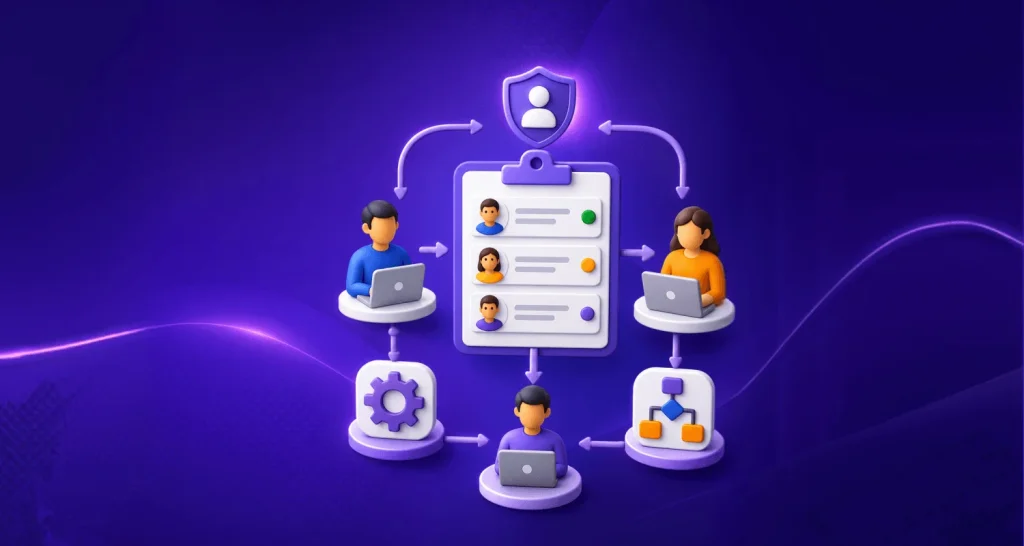

TL;DR: Consider BoldDesk for support teams evaluating ticketing and automation with pricing by team size; Front for shared-inbox collaboration; Intercom for conversational support; HubSpot Service Hub for CRM-connected service; and Gorgias for ecommerce. These are use-case recommendations, not universal rankings.
Choosing the best help desk ticketing system isn’t just about picking the most popular tool.
The best ticketing system is the one that gives every request an owner, keeps the right customer context, and helps your team finish the work within its support targets.
The right choice depends on your channels, workflows, team size, and total cost, including AI usage and add-ons.
This guide compares 13 options for customer support. Use it to build a shortlist, identify plan restrictions, and decide what to test before moving your customers and ticket history.
Which ticketing system fits your support team?
Start with the work your agents need to complete. A team handling billing requests through email needs a different setup from a retailer managing order changes or a service operation coordinating several departments.
| Your main requirement | Options to shortlist | Decision to make first |
| Bring ticketing, automation, and customer history into one support workspace | BoldDesk, Freshdesk | Which capabilities and AI usage are included in your actual subscription? |
| Coordinate conversations across a team | Front, Help Scout | How much routing, SLA control, and channel coverage do you need? |
| Use AI alongside conversational support | Intercom, Helply, Kayako | What counts as a chargeable outcome, and when does a human take over? |
| Keep service connected to customer records | HubSpot Service Hub | Which Service Hub edition supports the workflow you need? |
| Configure a broader support operation | Zendesk, HappyFox | Who will own setup, permissions, rules, and ongoing administration? |
| Evaluate focused email ticketing or a smaller support deployment | ProProfs Help Desk, LiveAgent | What are the ticket, user, automation, and channel limits? |
| Resolve ecommerce requests with order context | Gorgias | Which store integrations and order actions are supported on your plan? |
If you handle patient information, use a separate HIPAA ticketing system evaluation. A general feature checklist does not establish whether a service, agreement, and configuration suit your regulated workflow.
How we compared these top ticketing systems
This comparison draws on official product descriptions, pricing pages, and vendor documentation reviewed on 21 September 2026. It is documentation-based research, not a claim that we performed hands-on testing of every product.
We considered ticket handling, collaboration, automation, channel coverage, integrations, plan restrictions, and pricing structure. The recommendations reflect likely use-case fit; the order is not a scored performance ranking.
Publisher disclosure: BoldDesk publishes this guide and is one of the products included. Compare each option against your own requirements and test the important workflows before purchasing.
Prices are in USD where an amount is shown. Annual-plan figures are monthly equivalents with an annual commitment. Entry prices do not mean that every capability discussed is included. Follow the linked official pricing pages for current terms, promotions, and usage charges.
Compare the 13 best ticketing systems by fit, price, and limitations
Use this table to narrow the options. It compares available entry points and pricing models—not equivalent feature bundles or complete implementation costs.
| System | Useful starting point | Plan or pricing basis | What to check before buying | G2 ratings |
| BoldDesk | Ticketing and automation for support teams | One plan by team size; five agents: $99/month billed annually or $124 billed monthly | AI Agent credits and optional Copilot charges are separate considerations | 4.5/5 |
| Intercom | Conversational support with Fin | Essential, Advanced, or Expert seat subscription, plus usage | Workflow automation and SLAs depend on the plan; Fin has outcome charges | 4.5/5 |
| Front | Shared-inbox collaboration | Starter: $25/seat/month billed annually | Starter supports one channel type and up to 10 seats; AI add-ons can add cost | 4.7/5 |
| Zendesk | Configurable customer service operations | Support Team: $19/agent/month paid yearly | Match channels, routing, reporting, and AI requirements to the selected package | 4.3/5 |
| Freshdesk | Ticketing, shared inbox, and self-service | Growth: $19/agent/month billed annually | Additional AI sessions and other usage-based capabilities can increase cost | 4.4/5 |
| ProProfs Help Desk | Email ticketing for smaller teams | Essentials: $29.99/user/month on monthly billing | Published entry allowance is 1,000 tickets/month; check AI and team requirements | 4.7/5 |
| LiveAgent | Ticketing and live chat | Small business: $15/agent/month billed annually | SLAs and call-center features are listed on Medium; social channels vary by tier | 4.5/5 |
| HubSpot Service Hub | Service connected to HubSpot CRM | Free, Starter, Professional, and Enterprise editions | Advanced service capabilities, onboarding, and credit usage affect total cost | 4.4/5 |
| Kayako | AI resolution with a full-platform option | Kay: $1 per resolved ticket; ask for Kayako One platform pricing | Distinguish the AI agent’s fee from the complete help desk offer | 4.1/5 |
| HappyFox | Structured support workflows | Basic: $24/agent/month billed annually | Basic has a five-agent cap; separate products and higher-tier features add cost | 4.5/5 |
| Helply | Help desk ticketing system with outcome-priced AI | No seat fees; AI from $0.50/outcome with a $99 monthly minimum after trial | Confirm which AI work is billed and how different outcome types are counted | Not yet rated on G2 |
| Help Scout | Shared-inbox support and self-service | Free plan; paid Standard, Plus, and Pro editions priced per user | Inbox allowances, routing, SLA depth, and AI Answers vary by plan or add-on | 4.4/5 |
| Gorgias | Ecommerce support | Displayed Starter help desk + AI bundle: $40/month, billed monthly | Includes 50 tickets and 30 automated interactions; check seat limits and overages | 4.6/5 |
The 13 best ticketing systems: Strengths, trade-offs, and who should consider them
To make your decision easier, here’s a carefully selected list of the best ticketing system tools for 2026.
1. BoldDesk
Best suited for: Support teams evaluating ticket ownership, workflow automation, and customer conversations in one platform.
When requests arrive through several channels, the first problem is often coordination: who owns the issue, what has already happened, and when does the customer need an answer?
BoldDesk combines ticketing, routing, SLA tracking, and collaboration to help teams manage that work. Explore its help desk ticketing system to see the product workflow.
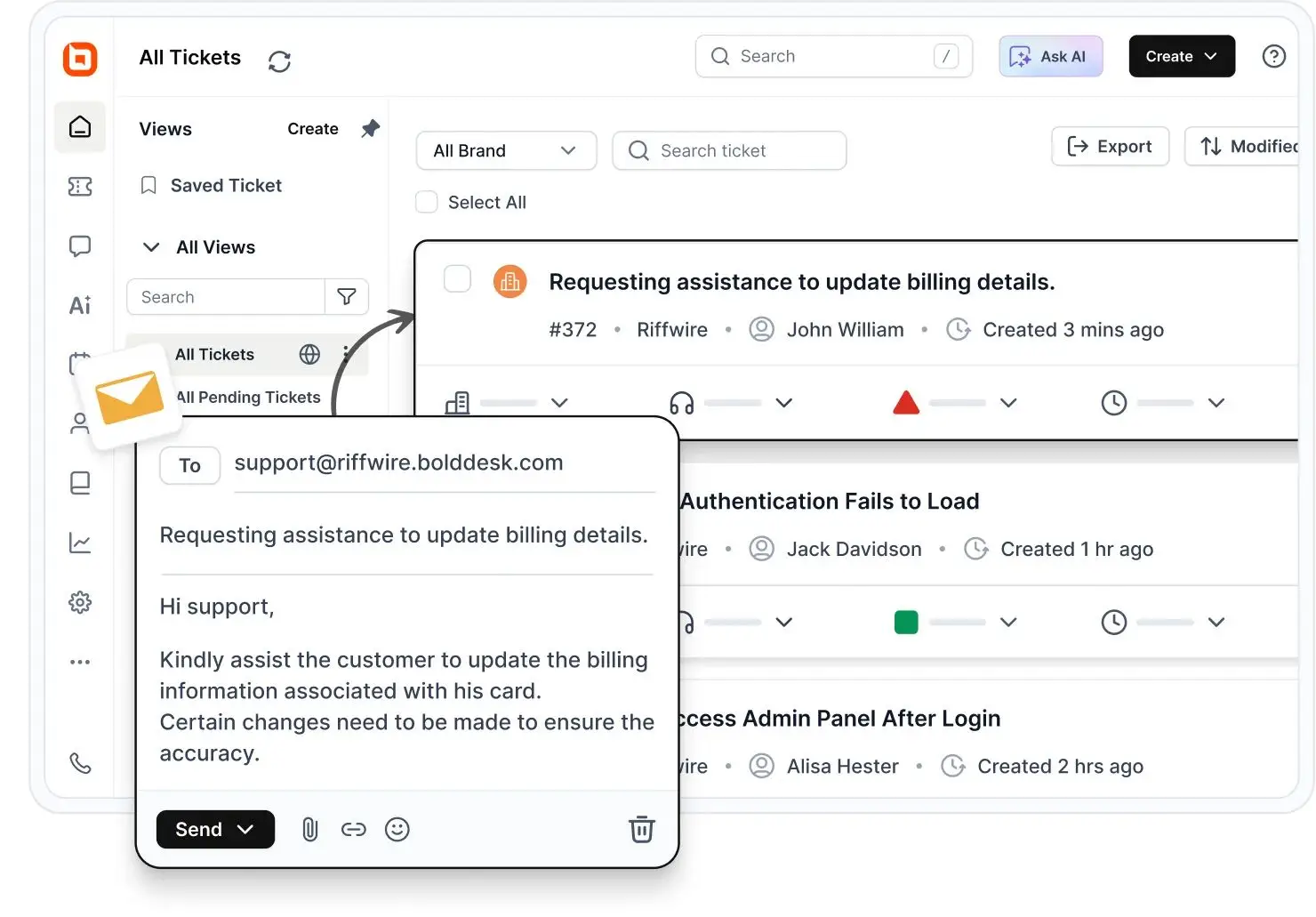
Its AI capabilities cover different jobs. Agents can assist with responses, while configured AI agents and connected tools can handle supported tasks.
Review knowledge sources, permissions, and human handoff when evaluating the Ticket AI Agent.
Pricing: Five agents cost $99/month billed annually ($1,188/year), or $124/month billed monthly.
The current limited-time offer includes 500 AI credits/month for the first three subscription months. Additional AI credits start at $20 per 1,000 credits. AI Copilot is an optional $20 per agent/month add-on.
Explore BoldDesk’s pricing plans to see which features and capabilities best fit your support team’s needs.
Trade-off: The five-agent entry package may be more capacity than a solo operator needs. Credit-based AI also requires a usage estimate; the subscription price alone is not the complete AI budget.
Evaluate before choosing: Configure a real routing rule, an escalation, and a handoff. Check the integrations you need and agree on migration scope. BoldDesk offers free migration assistance, but confirm which records and configurations will transfer.
2. Intercom
Best suited for: Teams that want messaging, a shared inbox, and AI support in the same customer service workflow.
Intercom combines its Messenger platform and ticketing workspace with Fin.
Its plans separate basic support from more advanced automation and governance: the published Advanced plan includes a workflow builder and round-robin assignment, while Expert includes SLAs.
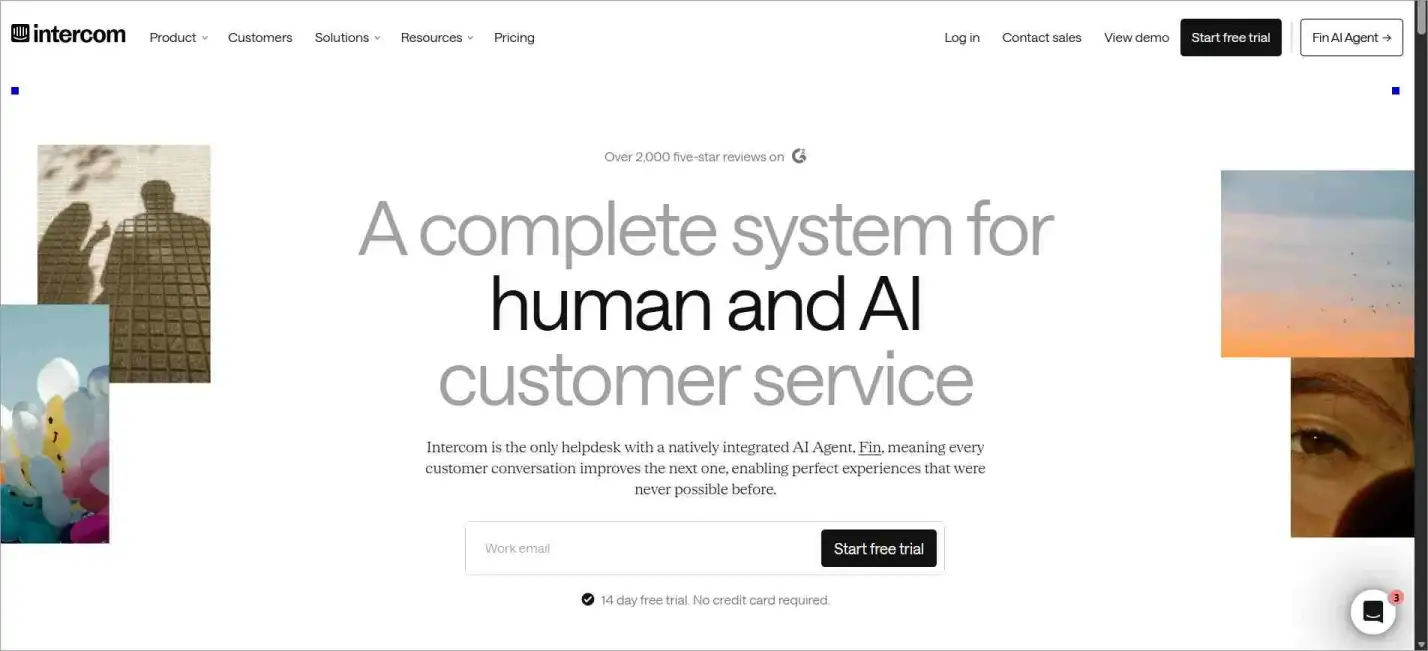
Pricing model: A seat subscription plus usage charges. Fin is advertised from $0.99 per outcome; use the current Essential, Advanced, or Expert quote for the seat component.
Trade-off: Access to Fin does not mean unlimited AI usage, and entry-level ticketing does not include every workflow feature.
Evaluate before choosing: Identify the plan needed for your routing and SLA requirements. Ask which events count as Fin outcomes, including workflow completion or handoff.
3. Front
Best suited for: Teams coordinating customer conversations through shared inboxes.
Front brings assignments, shared inboxes, and ticketing together. Starter includes basic analytics and up to 10 automation rules.
Professional adds broader channel support and more advanced reporting.
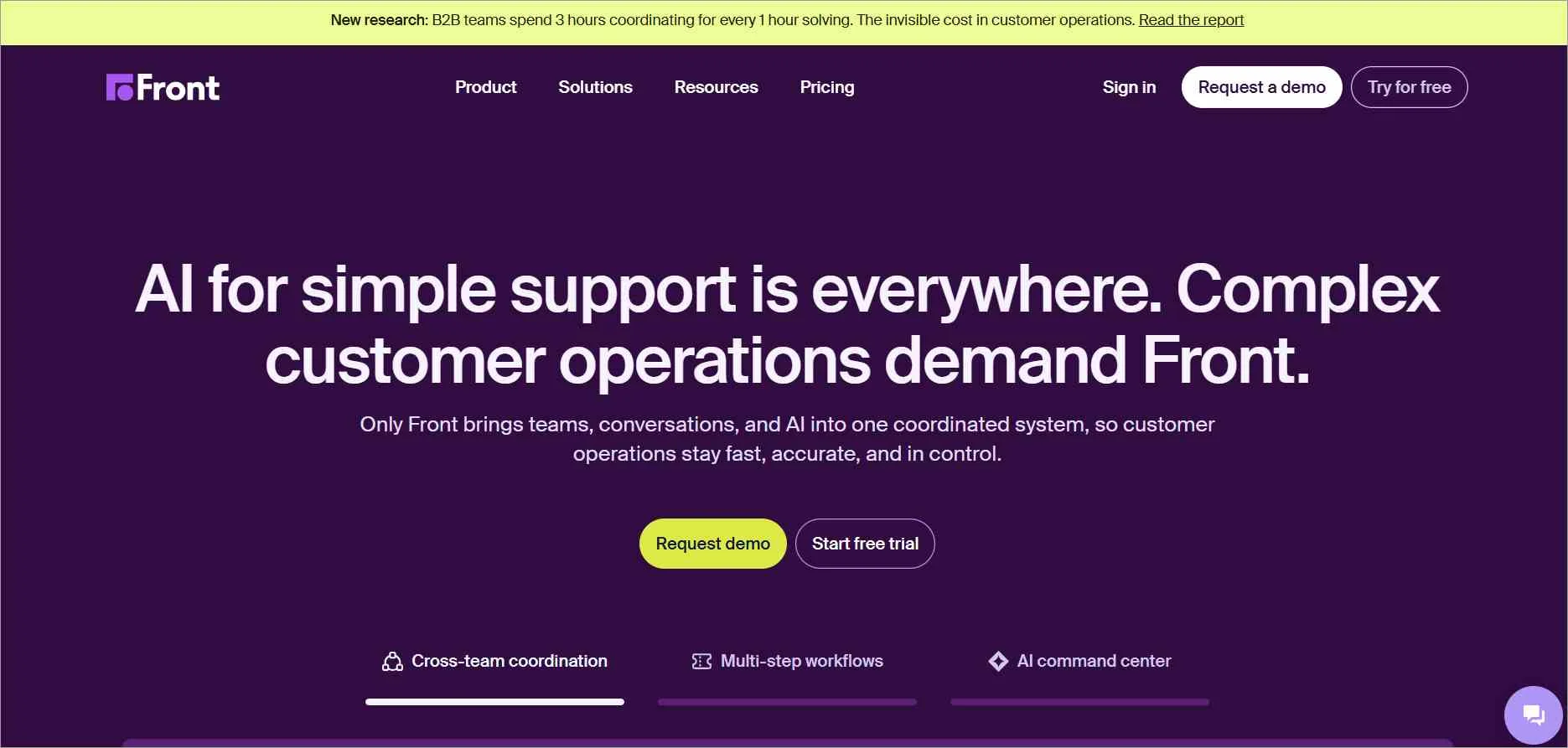
Pricing: Starter is $25 per seat/month billed annually, for up to 10 seats. Professional is $65 per seat/month billed annually. AI add-ons are available separately.
Trade-off: Starter supports a single channel type. A team needing email and other channel types should evaluate the higher plan rather than budget around the Starter price.
Evaluate before choosing: Count the channel types, workspaces, and automation rules you need. Test whether conversations remain clearly assigned when several departments collaborate.
4. Zendesk
Best suited for: Support operations evaluating a configurable ticketing platform with multiple service channels.
Zendesk offers ticket management, routing, automation, reporting, and connected customer service channels.
The useful comparison is the package that supports your operating model, not the lowest price shown for any Zendesk product.
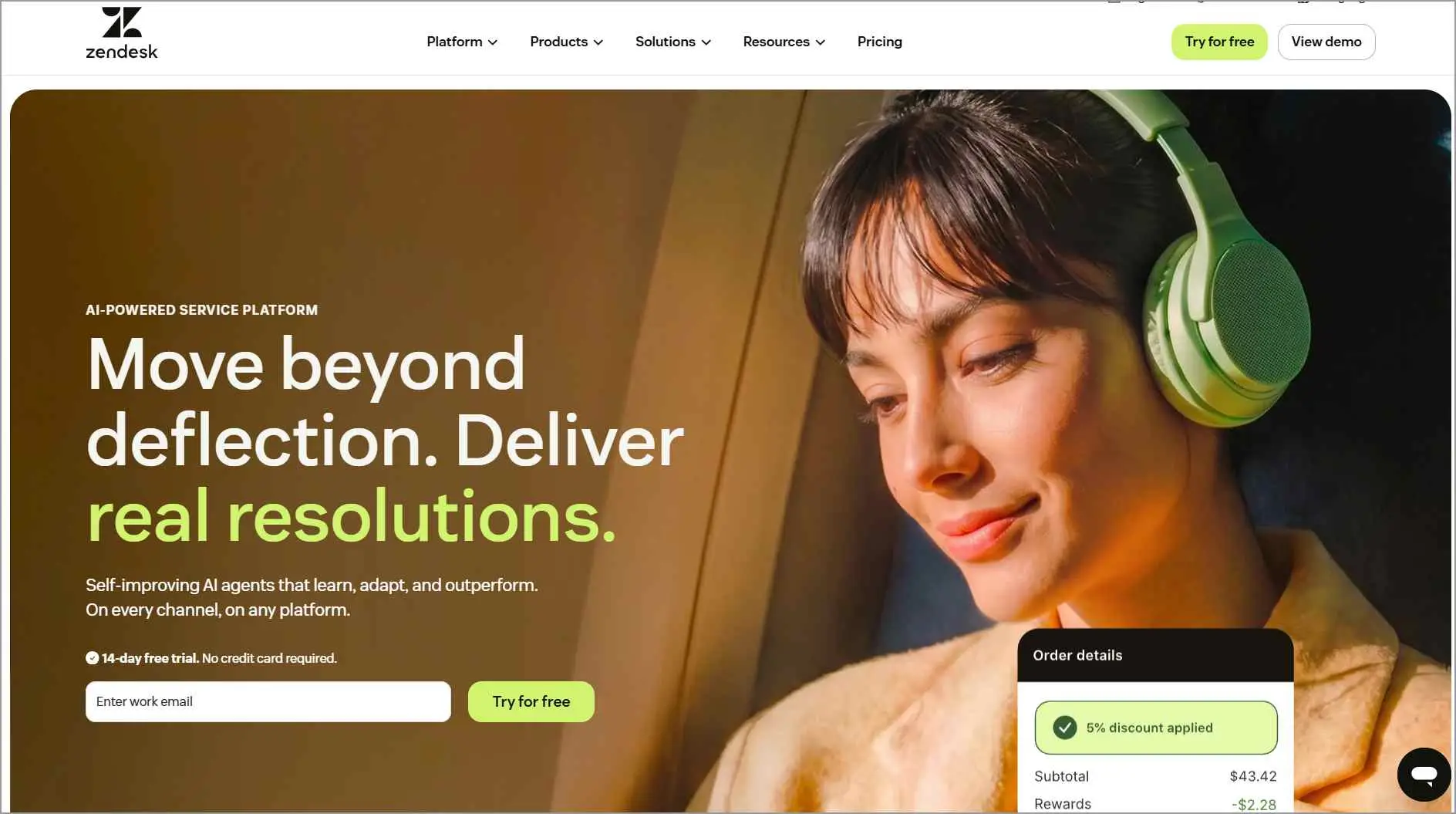
Pricing model: Support and Suite subscriptions have different scopes. Get a current regional quote that lists the capabilities and AI usage you need.
Trade-off: A broader deployment needs clear ownership of configuration and cost control. Do not assume an entry Support subscription includes the full Suite experience or every AI capability.
Evaluate before choosing: Give the vendor a requirements list covering channels, routing, permissions, reporting, and AI, then map each item to the quoted plan.
Make Support Requests Easier to Manage
Assign, prioritize, track, and automate customer requests with BoldDesk. Sign up and see how it fits your support workflow.
5. Freshdesk
Best suited for: Teams comparing ticketing, a shared inbox, and customer self-service.
Freshdesk Growth includes ticketing, a customer portal, knowledge base, reporting, and threads and tasks. These capabilities make it worth evaluating when a team wants more structure around incoming support requests.
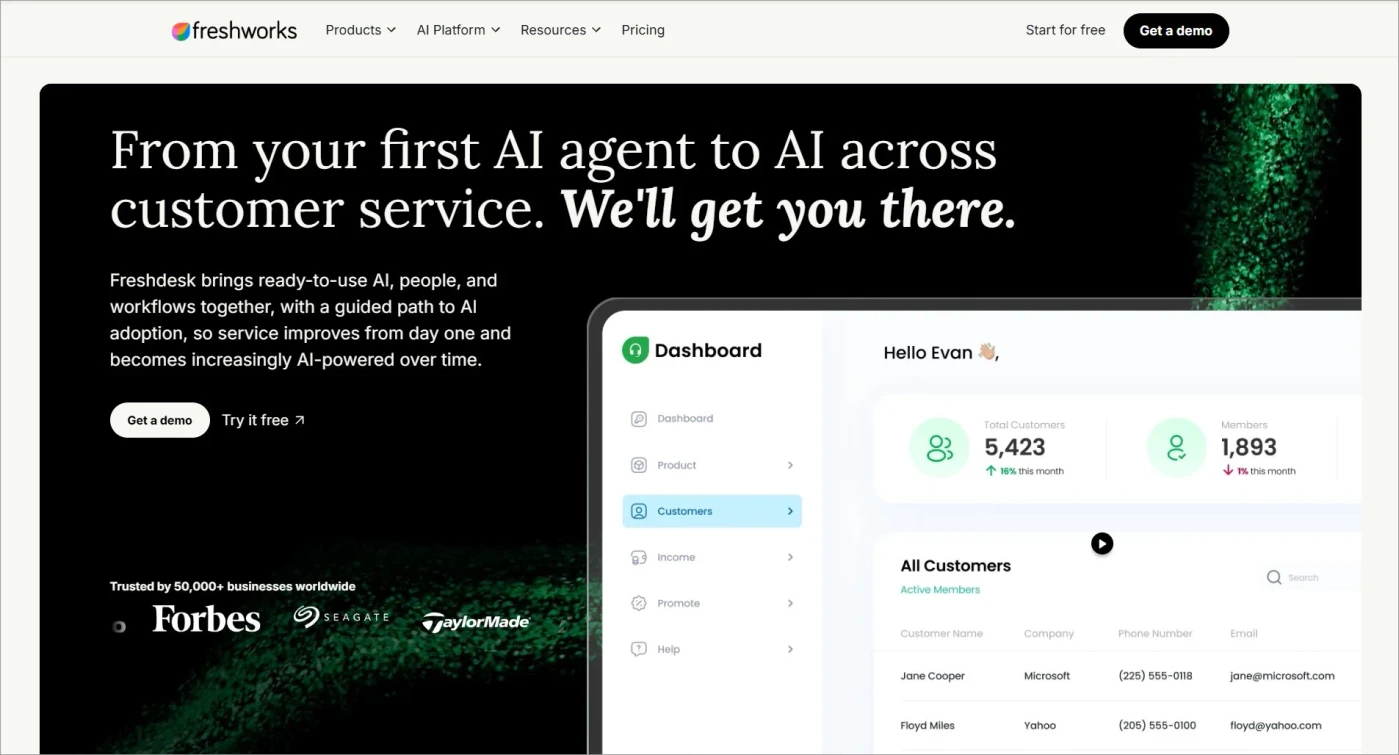
Pricing: Growth starts at $19 per agent/month billed annually. The published offer includes the first 500 Freddy AI Agent sessions once per account; additional sessions are listed at $49 per 100 sessions.
Trade-off: That introductory AI allowance is not a recurring unlimited entitlement. Other add-ons and usage charges may apply.
Evaluate before choosing: Match your required routing and reporting to Growth, Pro, or Enterprise. Estimate AI session demand separately from agent seats.
6. ProProfs Help Desk
Best suited for: Smaller teams evaluating email ticketing with basic automation and AI assistance.
ProProfs Essentials turns incoming email into tickets and includes tags, saved responses, basic rules, and reporting.
Its published AI Lite capabilities include categorization and a limited number of drafted replies.
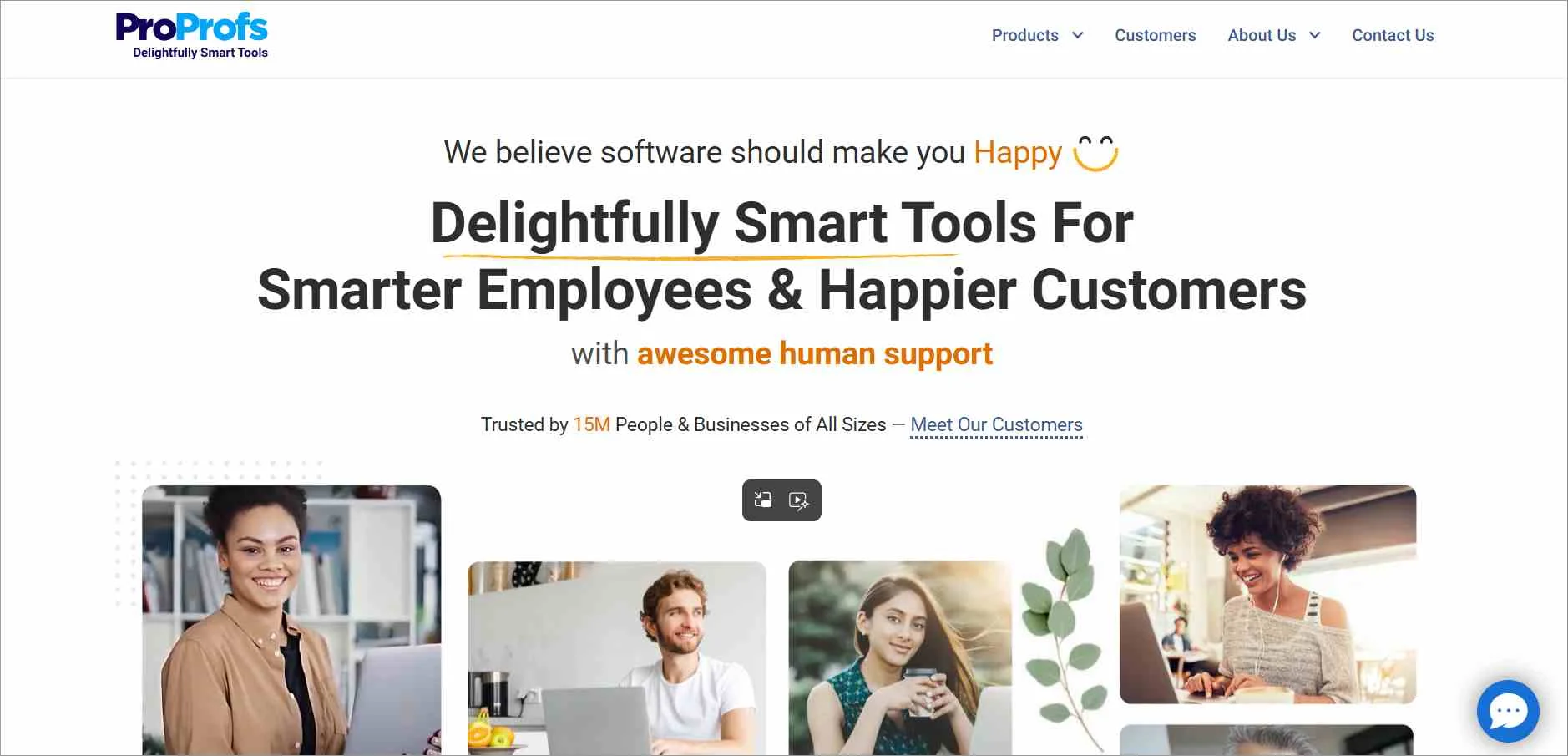
Pricing: Essentials displays $29.99 per user/month on monthly billing, with an entry allowance of 1,000 tickets/month. Annual billing is available.
Trade-off: Ticket and AI allowances matter as demand grows. A low seat count does not necessarily mean a low-volume queue.
Evaluate before choosing: Confirm how the ticket allowance scales across users, what happens at the limit, and whether the required integrations and onboarding support need a different plan.
7. LiveAgent
Best suited for: Teams comparing ticketing and live chat, with a possible need for phone support.
LiveAgent’s Small business plan includes ticketing, live chat, a knowledge base, and automation rules. Medium adds call-center capabilities, time rules, and SLAs.
The plan choice therefore depends on the channels and service commitments your team actually handles.
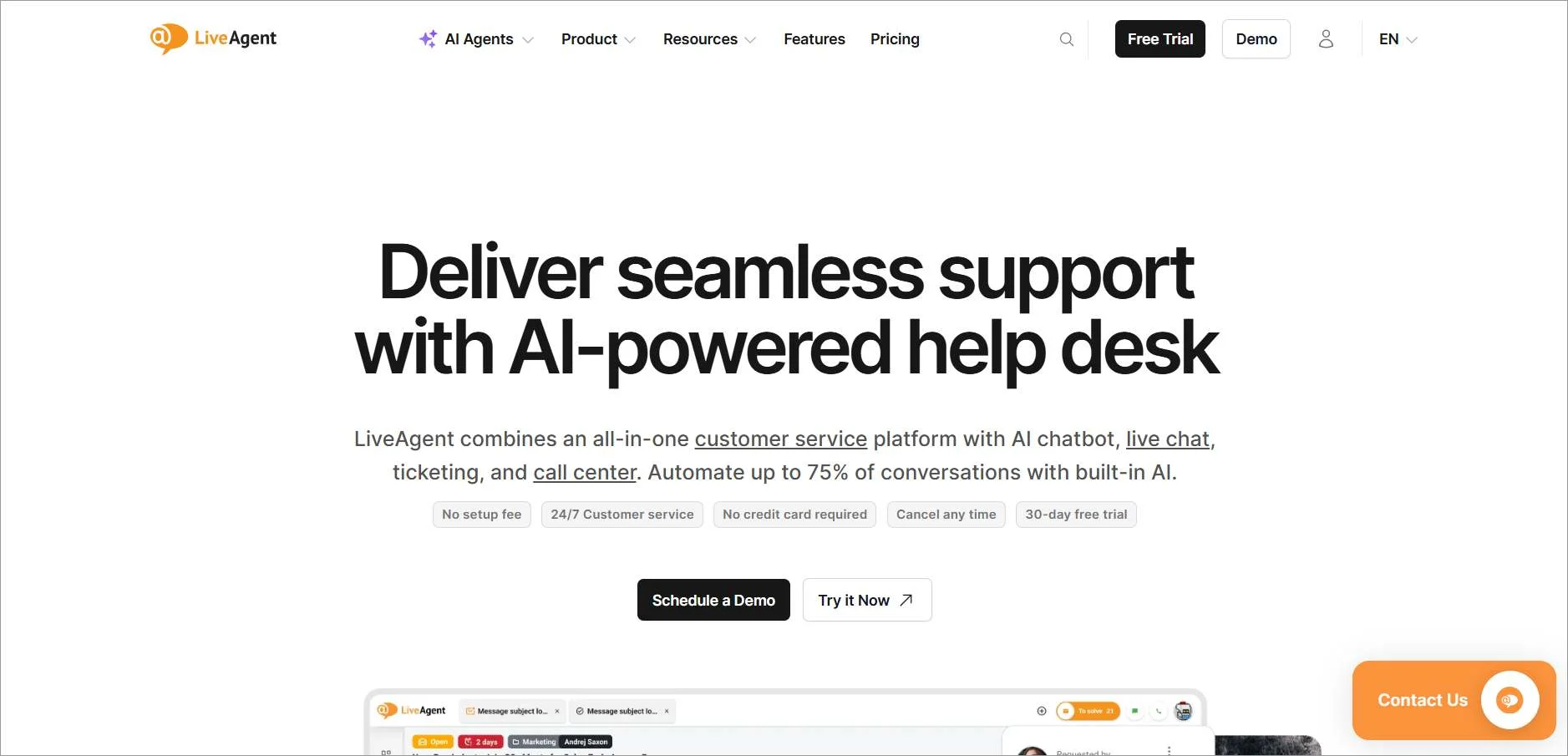
Pricing: Small business is $15 per agent/month billed annually; Medium is $29 per agent/month billed annually.
Trade-off: The lowest price is not the price for every channel and workflow. Social-channel coverage also varies by plan.
Evaluate before choosing: Map your email, chat, phone, and social requirements to the relevant tier before calculating a team total.
8. HubSpot Service Hub
Best suited for: Teams that want customer support connected to HubSpot customer records.
Service Hub can connect ticket activity with the broader CRM context. That makes it relevant when support teams need to understand a customer’s history across service and other customer-facing teams.
Capabilities expand across Free, Starter, Professional, and Enterprise.
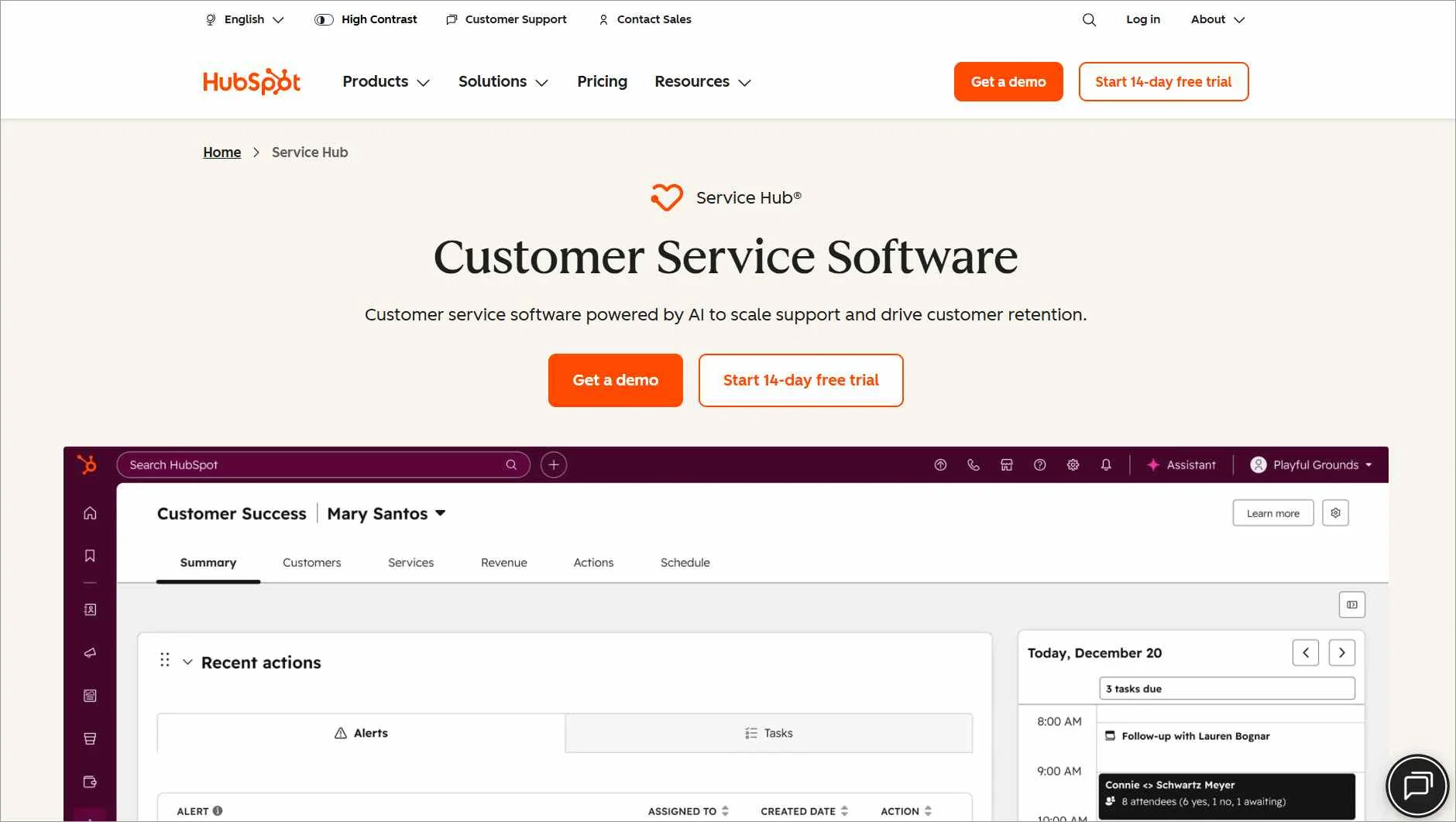
Pricing model: Edition and seat type determine the subscription; AI-related credit usage and onboarding can add cost. Professional currently lists a required $1,500 one-time onboarding fee.
Trade-off: A low Starter offer should not be treated as the price of the Professional service workflow.
Evaluate before choosing: Confirm the edition, service seats, automation, reporting, and onboarding needed for your use case.
9. Kayako
Best suited for: Teams evaluating AI that can complete supported service actions, with an option for a full help desk ticketing system.
Kayako promotes Kay as an AI agent that can connect to business systems and perform actions such as account or order updates.
Kayako One adds a help desk ticketing system workspace with a unified inbox, a knowledge base, and live chat.
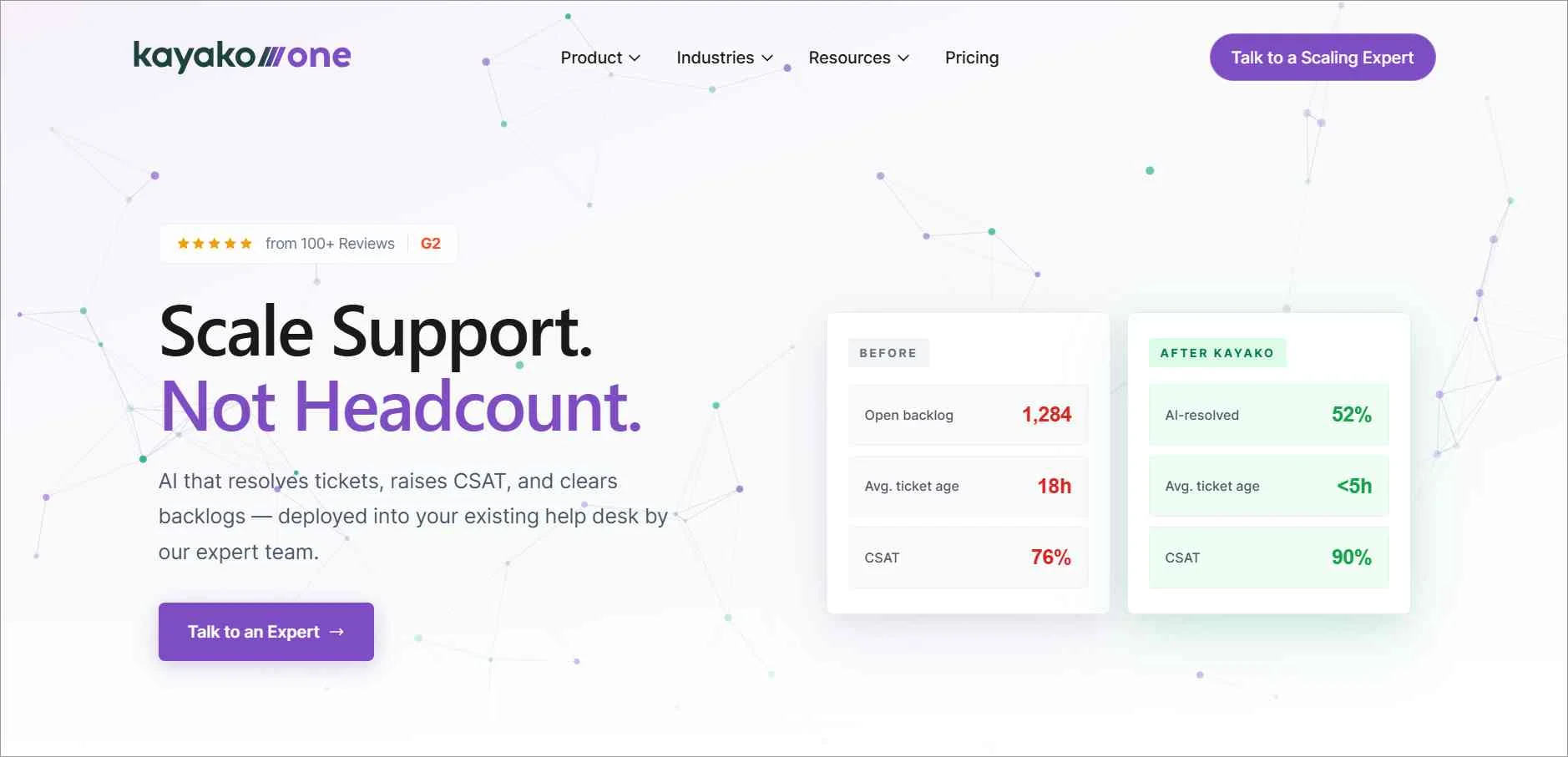
Pricing: Kay is advertised at $1 per resolved ticket. Obtain separate confirmation of the complete Kayako One offer.
Trade-off: The AI resolution price alone does not establish the cost or scope of a full platform replacement.
Evaluate before choosing: Test action permissions, resolution criteria, exceptions, and human escalation. Ask which platform and integration services are included in the proposal.
10. HappyFox
Best suited for: Teams evaluating structured ticket handling, SLAs, and support administration.
HappyFox Basic includes ticket creation across channels, SLA management, and a knowledge base. Higher plans add capabilities such as custom queues, more advanced assignment, and additional administrative controls.
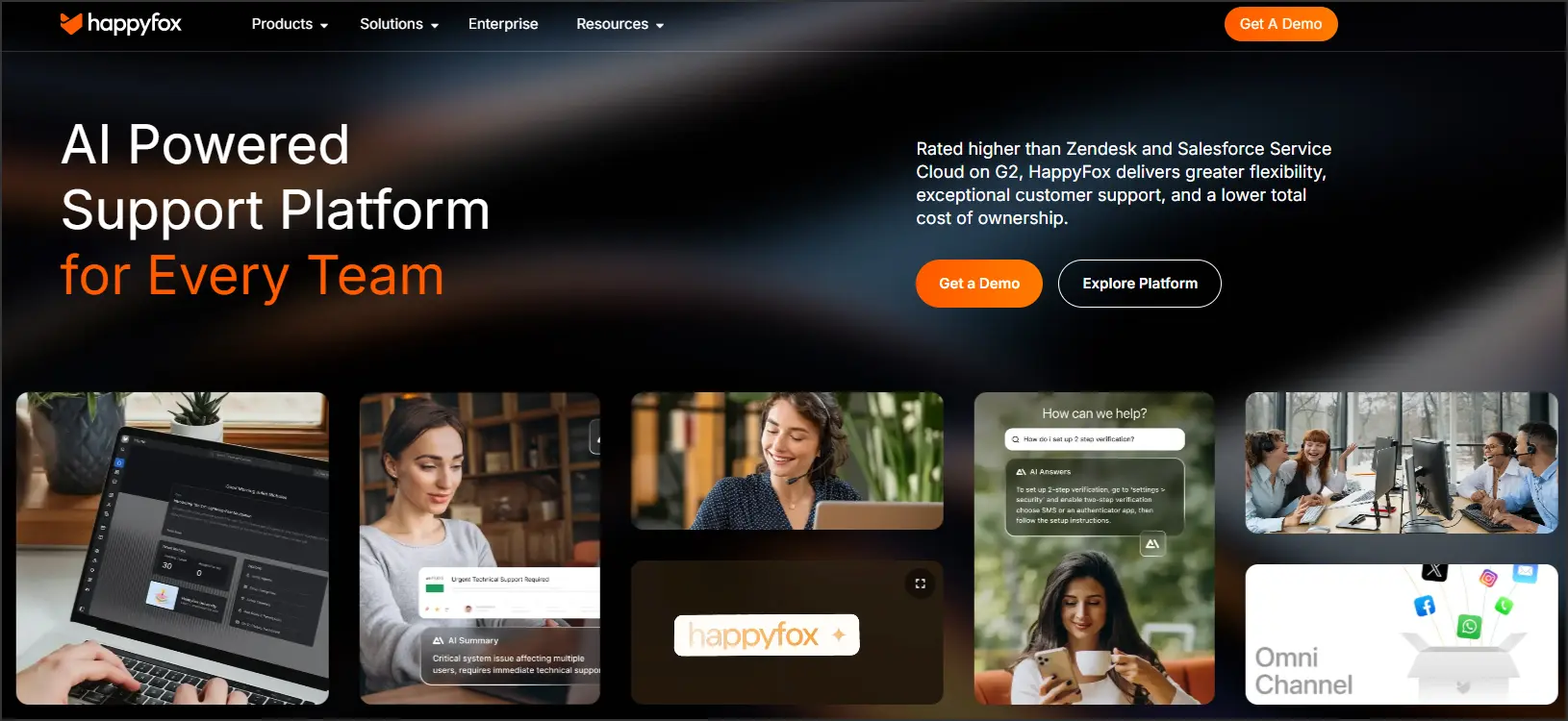
Pricing: Basic is $24 per agent/month billed annually and supports up to five agents. HappyFox also offers other agent-based and unlimited-agent arrangements.
Trade-off: AI, Workflows, and other HappyFox products can be separately priced. Do not assume that buying the best help desk ticketing system includes the full product portfolio.
Evaluate before choosing: Identify the features that require a higher plan and compare the full proposal at your expected team size.
11. Helply
Best suited for: Teams evaluating a help desk ticketing system with no seat fees and usage charges for AI work.
Helply was developed by the team behind Groove. Its current offering should be assessed on its own capabilities and terms, rather than described using an older Groove feature list.
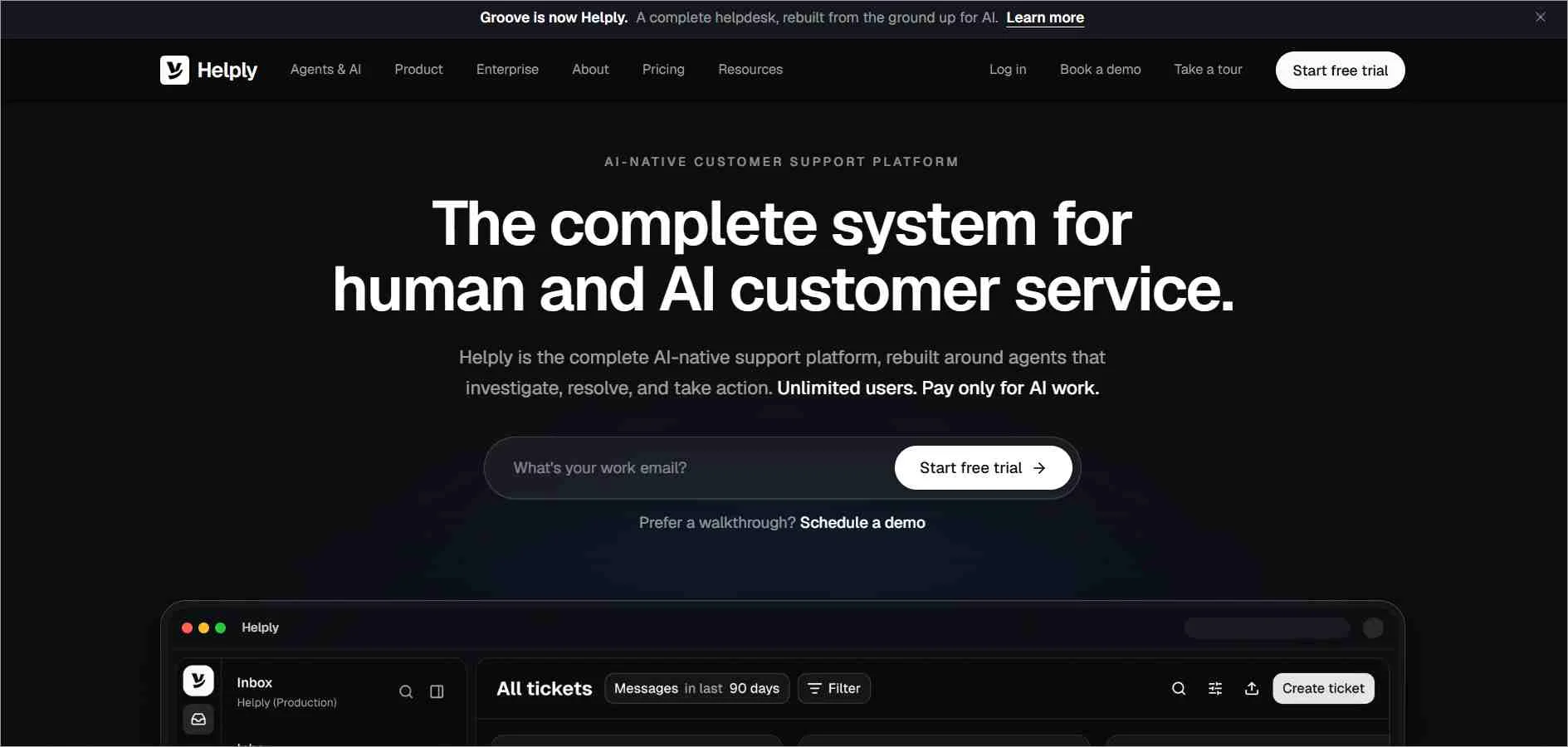
The help desk ticketing system includes a shared inbox, ticketing, chat, and knowledge bases. AI agents can assist with or complete supported work.
Pricing: AI work starts at $0.50 per outcome, with a $99 monthly minimum after the trial; seats carry no fee.
Trade-off: Outcome-based spend depends on the work performed, not just the number of people using the inbox.
Evaluate before choosing: Confirm how drafting, investigation, and resolution are counted, whether multiple outcome types can be billed within a conversation, and how spending limits operate.
12. Help Scout
Best suited for: Teams comparing shared-inbox collaboration, self-service, and customer conversations.
Help Scout offers a free entry option and paid Standard, Plus, and Pro editions.
Its published plan structure increases workflow, routing, and SLA capabilities as requirements grow; Plus includes round-robin routing, while Pro expands routing and policy options.
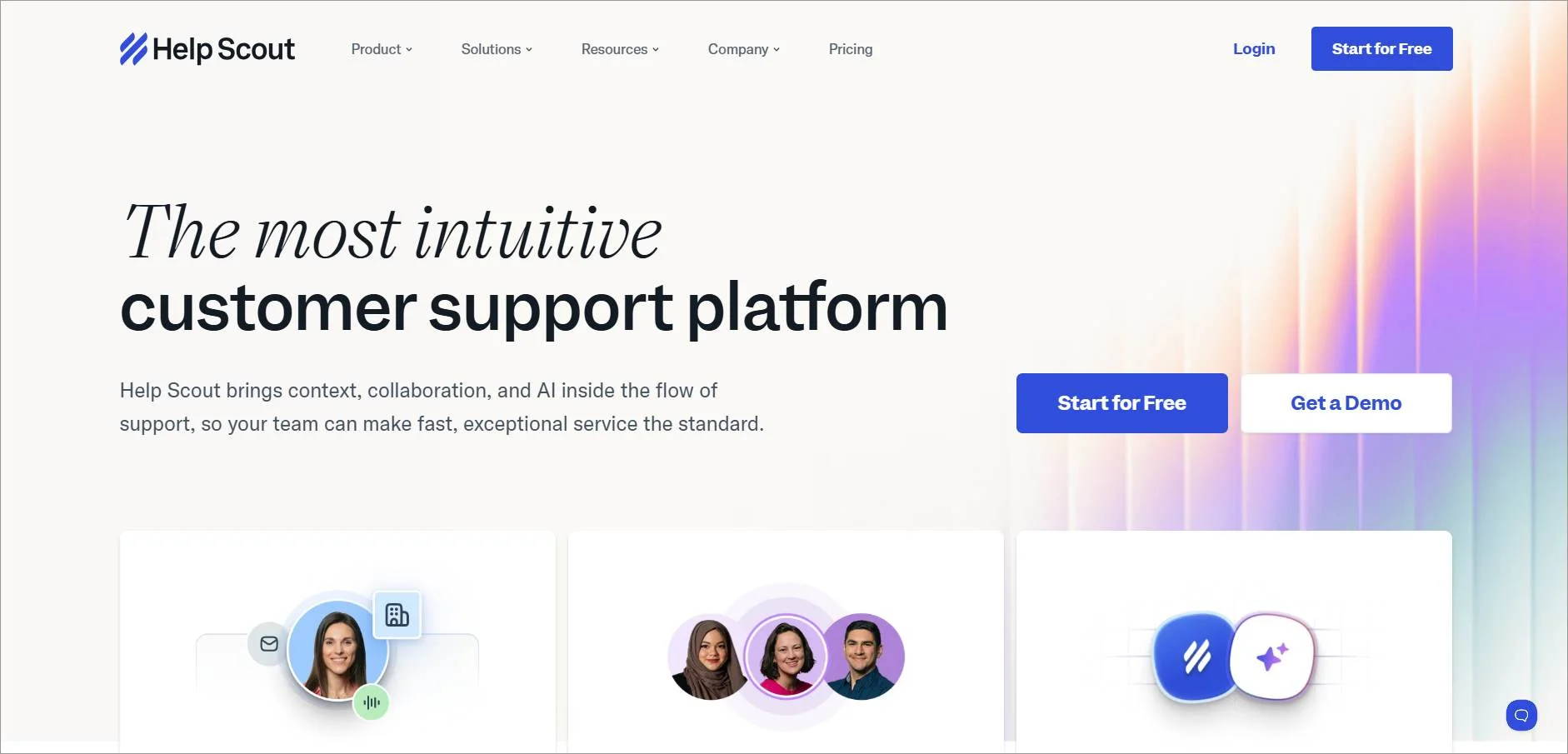
Pricing model: Paid plans are priced per user. AI Answers is a separate add-on advertised at $0.75 per resolution.
Trade-off: Inbox allowances and workflow depth vary by edition; a basic collaboration setup is not equivalent to the highest-tier deployment.
Evaluate before choosing: Test your assignment and escalation process, and identify which plan supports it.
13. Gorgias
Best suited for: Ecommerce teams that need support connected to their store operations.
Gorgias focuses on customer conversations for online merchants, with integrations for platforms including Shopify.
Its commercial model uses ticket allowances and AI activity rather than a simple per-agent subscription.
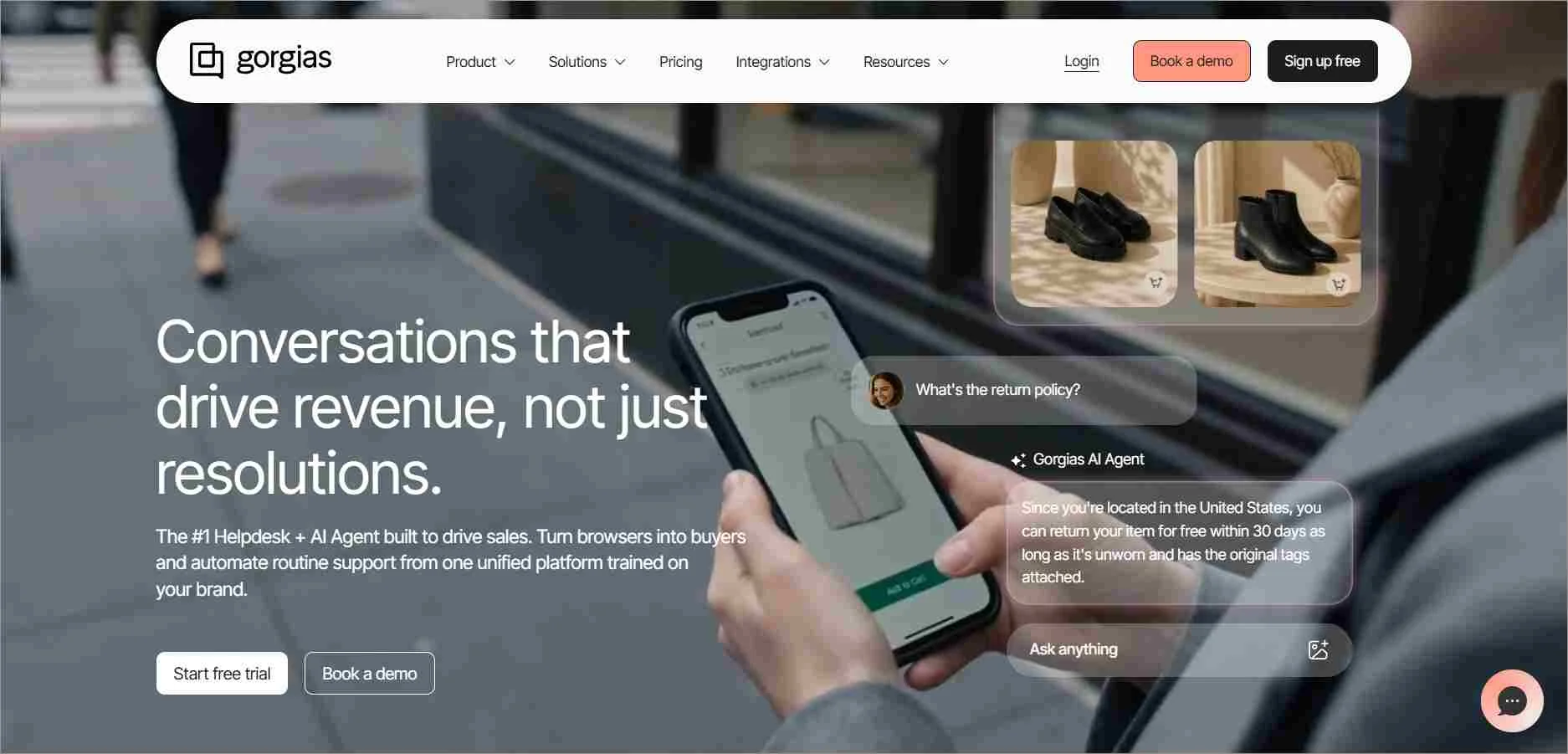
Pricing: The displayed Starter help desk and AI bundle is $40/month billed monthly, including 50 tickets and 30 automated interactions. Its comparison table lists three user seats for Starter.
Trade-off: A low-volume bundle doesn’t reflect a busy store’s monthly cost. Tickets, AI activity, and channel add-ons can generate different charges.
Evaluate before choosing: Model normal and peak-season volume, required users, store integrations, and overages. Review the billable event definitions, including when a conversation can create more than one type of charge.
How to choose the best ticketing system without overlooking the real costs
Choose the workflow first, then price the plan that supports it. A lower advertised rate is only useful if the team can do its work within that plan’s limits.
Start with the requests you handle most often
List your five most common request types and the actions needed to finish them. Include one difficult case that requires another team or system.
For a billing request, receiving and assigning a ticket may be straightforward. Resolving it could also require checking an invoice, requesting approval, updating a billing system, and explaining the result. Ask vendors to demonstrate that complete sequence.
Use this trial checklist. It is a recommended evaluation method, not a report of tests performed for this article.
| Test | Scenario | What a useful result looks like |
| Capture | Send a support request with an attachment and follow-up | Both messages and the attachment remain accessible in the correct conversation |
| Assign | Route a request while the usual agent is unavailable | A clear fallback owner receives it; the request does not disappear into an unmonitored queue |
| Escalate | Let a test ticket approach its response target | The correct person is alerted, and customer communication remains owned |
| Collaborate | Ask a second department for help | Internal discussion stays private while the customer receives a consistent response |
| Resolve | Complete a request, then send another customer reply | Status and reopening behavior match your documented process |
| Report | Review the sample queue | You can identify unresolved work, ownership, and relevant response or resolution metrics |
For more detail, use our guides to ticket triage and automated ticket routing.
Separate rule-based automation, AI assistance, and AI actions
These capabilities solve different problems:
- Rules apply actions when specified conditions are met, such as assigning a ticket to the billing queue.
- AI assistance helps an agent interpret a conversation, summarize it, or draft a response.
- AI actions let configured systems perform supported tasks through connected tools, subject to permissions and controls.
Ask what happens when a rule does not match, an AI response lacks sufficient information, or a connected action fails.
Review the automated ticketing system comparison and AI ticketing system guide if these capabilities drive your shortlist.
Calculate the cost of your required setup
Build a first-year estimate rather than multiplying the lowest advertised price by your agent count.
| Cost component | Question to answer |
| Subscription | Which plan includes the required channels, SLAs, permissions, and reporting? |
| Users | Who needs a paid agent seat, and who only needs to collaborate or view? |
| AI | Are charges based on seats, credits, sessions, interactions, or outcomes? |
| Usage | What happens when ticket, messaging, API, or automation allowances are exceeded? |
| Implementation | Are onboarding, data migration, and integration work included or separately charged? |
| Renewal | Does an introductory discount or included allowance expire? |
Request estimates for both a normal month and a busy month. Vendor billing units are not interchangeable: one credit, session, and resolved conversation can represent different amounts of work. Check what each vendor measures before comparing AI prices.
Check the handoff and migration details
List the records you need to move: tickets, attachments, contacts, organizations, knowledge articles, and relevant history. Separately identify rules, permissions, and integrations that may need to be rebuilt.
Validate a sample migration before switching the full support operation. Make sure agents can locate old conversations, customers can use the expected support address, and the team knows who owns issues during the change.
Match specialist requirements to the right comparison
For an email-heavy team, threading and mailbox setup may matter more than the number of advertised channels. Use the email ticketing system comparison to evaluate those requirements.
For deployment decisions, compare access, maintenance, data location, backup, and export requirements in our cloud-based ticketing system guide.
What is a ticketing system, and which type do you need?
A ticketing system records requests as trackable items with an owner, status, and conversation history.
Teams use it to assign work, coordinate responses, and follow requests through resolution. Capabilities such as SLAs, automation, reporting, and AI vary by product and plan.
A typical request moves through intake, categorization, assignment, investigation, response, and closure. Some requests require escalation or reopening. Our support ticket guide explains the underlying record and lifecycle.
Different types describe different aspects of the system:
- Customer-support ticketing organizes requests from customers.
- Internal service ticketing handles employee requests across departments such as IT, HR, and operations.
- Email or multichannel ticketing describes where requests enter the system.
- Cloud or self-hosted deployment describes how the system is operated.
- AI-enabled ticketing describes capabilities that can assist with or automate parts of the work.
These categories can overlap. A cloud-based system can handle email and chat while using AI.
If you also need asset management, incident management, or change control, evaluate those requirements explicitly instead of assuming every customer-support platform provides full IT service management.
Choose the best help desk ticketing system your team can run every day
If you’re looking for a way to improve customer experience and streamline your support operations, the best help desk ticketing system is worth considering.
It empowers support agents, keeps customers informed, and ultimately leads to customer loyalty and satisfaction.
If BoldDesk matches your requirements, explore the help desk ticketing system, review pricing and AI terms, or book a workflow demo. You can also start a 15-day free trial with no credit card required.
Related articles
- AI Customer Service Software: 9 Best Options for 2026
- What is IT Help Desk: Features, Benefits, and Best Practices
- 15 Best Help Desk Software in the Market Today
Frequently Asked Questions
Start with the channels, support volume, and workflows you need, then compare the relevant plans.
BoldDesk, Freshdesk, ProProfs Help Desk, and LiveAgent are among the options in this guide worth evaluating. Check minimum purchase size, ticket limits, and AI charges before choosing.
A shared inbox lets a team collaborate on incoming conversations. A help desk ticketing system adds a structured record and lifecycle for managing requests.
The categories overlap: dedicated shared-inbox products may also offer assignments, automation, SLAs, and reporting. Compare actual capabilities rather than relying on the label.
No. Availability, scope, and pricing differ. An AI feature may draft replies, classify tickets, answer questions, or perform actions.
Check the selected plan, included allowance, extra charges, and handoff process for the specific capability you want.
Pricing can depend on agent seats, team-size packages, ticket volume, or AI usage.
Calculate the required subscription plus add-ons, usage, and implementation costs.
Annual billing may reduce the monthly equivalent but requires a different commitment than monthly billing.
That depends on the source system, available exports, and the destination’s migration support.
Agree on which records and attachments are included, check mappings, and validate a sample before the full move.
Do not assume every workflow or integration transfers automatically.