







TL;DR: Ecommerce live chat drives value across product pages, carts, checkout, and order inquiries. The best tools give agents direct access to order data for faster support. This guide explores revenue opportunities, effective chat triggers, peak-season staffing strategies, and compares 12 tools by pricing, ecommerce platform compatibility, and order data access.
Most guides on ecommerce live chat tell you that shoppers like fast answers. You already know that. The harder questions are the ones nobody answers. Where on your store does chat actually change a purchase decision? What trigger timing helps a shopper instead of interrupting them?
How many agents do you need on Black Friday? And which tools can show an agent the order number without making them open a second tab?
This guide covers those, then compares 12 tools on the criteria that matter for a store rather than for a generic support team.
If you want the broader software category rather than the ecommerce use case, start with our live chat software page, which explains how chat works and what the core features do.
Where live chat actually earns money in an online store
Chat does not help everywhere on your site equally. It earns its keep in four places, and the reason matters for how you configure it.
- The product page. Shoppers stall here on specifics: sizing, materials, compatibility, delivery dates. These are questions your product description could not anticipate. An answer here converts a browser into a buyer. This is the highest-value chat placement in most stores.
- The cart. Someone with items in a cart who has not checked out is usually blocked by one of three things: shipping cost, delivery timing, or returns policy. All three are answerable in under a minute.
- The checkout. Chat at checkout is mostly damage control. Payment failures, discount codes that will not apply, address validation errors. These shoppers have already decided to buy, so every recovered checkout is revenue you were about to lose.
- Post-purchase. Most chat volume comes from order status, delivery delays, returns, and exchanges. Automating these routine inquiries reduces support workload while helping protect the post-purchase customer experience.
A useful way to think about budget: the first three placements justify human agents. The fourth justifies automation.
For the wider cost case for chat as a support channel, including cost per contact against email and phone, see live chat support.
Cart abandonment: trigger rules that work, and the ones that annoy shoppers
Proactive chat means the widget opens itself based on visitor behaviour. Done well, it recovers carts. Done badly, it is the reason people install popup blockers.
Rules that tend to work:
| Trigger | Where | Why it works |
|---|---|---|
| 45 to 60 seconds of inactivity on the cart page | Cart | Long enough to signal hesitation, not so fast it feels like surveillance |
| Second visit to the same product page in one session | Product | The shopper is comparing or re-checking something specific |
| Exit intent with items in cart above your average order value | Cart, checkout | Higher-value carts justify the interruption |
| Any payment error event | Checkout | The shopper is already blocked, so help is welcome |
| Delivery date outside the shopper’s region | Product | Pre-empts the most common shipping objection |
Rules that tend to annoy:
- Opening within 5 seconds of page load. The shopper has not formed a question yet.
- Triggering on every page. Chat on your blog and your About page adds noise and staffing cost for almost no return.
- Firing on mobile the same way it does on desktop. On a small screen the widget covers the buy button. Use a smaller launcher and a longer delay on mobile.
- Repeating on every page view within a session. One dismissal should silence it for the session.
Start with two triggers, not eight. Measure them for a month before adding more. For the full mechanics of trigger design, timing rules and behavioural targeting, see our guide to proactive live chat.
Handling “where is my order” without tying up an agent
In most stores, order status is the single largest category of chat volume. It is also completely automatable, because the answer lives in your order system and never requires judgement.
How to set it up:
- Connect the chat tool to your store platform so the conversation can read order records. This is the step most teams skip, and it is the one that makes the rest possible.
- Identify the shopper. Logged-in customers are matched automatically. For guests, ask for the order number and email in the first message.
- Return the status automatically with the carrier, tracking link and current delivery estimate.
- Set a clear escalation rule. If the order is delayed beyond the promised date, or the tracking has not moved in 48 hours, hand it to a human immediately. Automation that keeps repeating a stale tracking status is worse than no automation.
- Log every automated answer as a ticket so you can see volume and spot delivery problems early.
The measure of success here is deflection rate: the share of order status questions resolved without an agent. If you get that above half, your agents get their day back for the product and cart conversations that actually convert.
An AI agent can handle this tier, and an AI copilot can draft the replies for the ones that still need a human.
Peak season: staffing math for Black Friday and holiday spikes
Most stores discover their chat staffing gap on the busiest day of the year. Here is how to work it out beforehand.
Baymard Institute puts the average online cart abandonment rate at around 70.22%, highlighting the value of having timely chat support available when shoppers need help.
During peak periods, that means ensuring you have enough agents to handle increased demand.
The calculation:
Three inputs you need:
- Expected chats per hour. Take your normal rate and scale it by your expected traffic multiple. If traffic triples, assume chat volume roughly triples too.
- Average handle time. Pull this from your current reports. Most stores sit somewhere between 5 and 12 minutes depending on how complex their products are.
- Concurrent chats per agent. Three is realistic for quality. Four is possible for simple queries. Five is where quality drops and shoppers notice.
Worked example. A store expecting 90 chats an hour, with an 8 minute average handle time and 3 concurrent chats per agent:
(90 × 8) ÷ 60 ÷ 3 = 4 agents
Then plan for the parts the formula misses:
- Automate the order status tier before peak, not during it. Every deflected chat is one you do not staff for.
- Set explicit chat hours and an offline form. Shoppers forgive a closed window. They do not forgive a 40 minute wait.
- Write your peak season canned responses in advance. Shipping cutoffs, delayed orders, sold-out items. Our live chat scripts library is a starting point.
- Decide your queue cap. When the queue passes it, switch the widget to a form rather than letting people wait.
Connecting chat to Shopify, WooCommerce and your order data
The difference between a chat tool that helps an ecommerce team and one that frustrates them comes down to a single question: can the agent see the order without leaving the chat window?
What to check before you buy:
- Order lookup inside the conversation. The agent should see recent orders, status, and tracking in the sidebar. Without this, every shipping question means switching tabs and copying an order number.
- Customer history. Previous orders, lifetime value, previous support contacts. This is what lets an agent treat a repeat customer differently from a first-time buyer.
- Cart contents in real time. Seeing what is in the cart right now is what makes a cart-page conversation useful rather than generic.
- Write access, not just read. Can the agent cancel an order, apply a discount, or trigger a refund from the chat, or do they have to go into the store admin? Write access roughly halves handle time on post-purchase queries.
- Native integration versus Zapier. A native integration surfaces data in the agent view. A Zapier connection usually just copies data between systems and does not help the agent mid-conversation.
If you have not installed chat on your store yet, our guide to how to add live chat to your website covers placement, testing and go-live before you get to integrations.
Gorgias and ProProfs Chat are built around Shopify specifically. Most general-purpose tools connect through an app or an API. If your store runs on a less common platform, check the integration before anything else, because it is the thing most likely to be missing.
For a full ecommerce support setup rather than chat alone, see ecommerce help desk software.
Measuring revenue from chat, not just satisfaction
Most teams report CSAT and response time. Neither tells your finance team whether chat is worth its cost. Track these instead, alongside the usual service metrics:
| Metric | How to calculate it | What good looks like |
|---|---|---|
| Chat-assisted conversion rate | Orders from sessions that included a chat ÷ all chat sessions | Compare against your site-wide conversion rate. Chat sessions should convert meaningfully higher |
| Revenue per chat | Total revenue from chat-assisted sessions ÷ number of chats | Your break-even is agent cost per chat. Above that, chat pays for itself |
| Cart recovery rate | Carts completed after a chat ÷ carts where chat was triggered | Measure per trigger so you can switch off the ones that do nothing |
| Deflection rate | Chats resolved without an agent ÷ total chats | This is your automation payback |
| Cost per contact | Total chat cost ÷ resolved chats | Compare against email and phone to justify the channel |
Two warnings on attribution. First, a chat session that ends in a purchase is not proof the chat caused it. Use a holdout group if you want a real answer. Second, report revenue per chat alongside CSAT, never instead of it.
A team optimising only for revenue will start upselling in support conversations, and that costs more than it earns. For formulas and benchmarks on the service-side metrics, see live chat metrics.
What to look for in ecommerce live chat software
Generic feature lists are not much help. These are the criteria that separate tools for online stores from tools for everyone else.
- Order data in the agent view. Covered above. This is the single biggest differentiator and the one most comparison tables leave out.
- Pricing model that matches how stores grow. Per-agent pricing is predictable. Per-conversation pricing looks cheap until a traffic spike. If you run seasonal peaks, model both at your December volume, not your July volume.
- Automation for the order status tier. Without it your agents spend peak season reading tracking numbers aloud.
- Mobile widget behaviour. Most ecommerce traffic is mobile. Check the widget on a phone before you buy, specifically whether it covers the add-to-cart button. For a comparison of widgets specifically, including customisation depth and load impact, see our live chat widget round-up.
- Page load impact. A chat script that slows your product pages costs you more in conversion than chat earns. Ask for the script weight and test it.
- Chat to ticket conversion. Post-purchase issues rarely resolve in one conversation. If chats cannot become trackable tickets, things get dropped.
These criteria are especially important when choosing live chat for an online store. If your requirements are broader than ecommerce, explore our comparison of the best live chat software for a general overview of leading options.
How we evaluated these ecommerce live chat tools
We reviewed official product pages, published pricing, documentation, and public customer feedback. We assessed how well each tool supports ecommerce specifically, not customer service in general.
Our evaluation covered ecommerce platform integration depth, order data access in the agent view, automation capability, chat customisation, reporting, pricing transparency, and verified user reviews from G2.
Disclosure: BoldDesk is our product. We evaluated it against the same criteria as every other platform and have listed its limitations alongside everyone else’s.
Pricing and product details were verified in September 2026 and vendors change plans often, so check each vendor’s site before you buy.
The 12 best ecommerce live chat tools compared
Choosing the right ecommerce live chat software means selecting a solution that supports shoppers at every stage of the buying journey, from answering pre-purchase questions to resolving post-purchase issues quickly and efficiently.
Below is a side-by-side comparison of the top ecommerce live chat tools.
| Tool | Best for | Ecommerce integration | Pricing starts at | G2 |
|---|---|---|---|---|
| BoldDesk | Stores that want chat, email and social in one inbox with ticketing behind it | Via integrations and API | $99/month for 5 agents | 4.5/5 |
| Gorgias | Shopify stores wanting native order actions in the chat | Native Shopify | $10/user/month | 4.6/5 |
| Tidio | Small stores wanting fast setup and AI assistance | Shopify, WooCommerce apps | $24.17/month for 100 conversations | 4.6/5 |
| ProProfs Chat | Shopify stores needing post-chat surveys and transfers | Shopify | $19.99/user/month | 4.5/5 |
| Intercom | Stores wanting heavy automation and workflow depth | Via apps | $29/user/month | 4.5/5 |
| LiveChat | Stores wanting proactive greetings and WhatsApp | Via apps | $19/user/month | 4.5/5 |
| HelpCrunch | Stores wanting a simple widget with solid reporting | Via apps | $12/user/month | 4.7/5 |
| Freshchat | Brands needing chat reporting and AI proactive replies | Via apps | $19/user/month | 4.4/5 |
| Zoho SalesIQ | Teams already inside the Zoho ecosystem | Zoho Commerce, others | $7/user/month | 4.4/5 |
| LiveAgent | Multilingual stores needing chat routing | Via apps | $15/user/month | 4.5/5 |
| Olark | Stores wanting a simple, customisable widget | Via apps | $29/user/month | 4.3/5 |
| Twilio | Teams with developers who want to build their own chat | Build it yourself | Usage-based | 4.1/5 |
1. BoldDesk
Best for: Stores that want live chat, email and social messaging in one inbox, with a full ticketing system behind it.
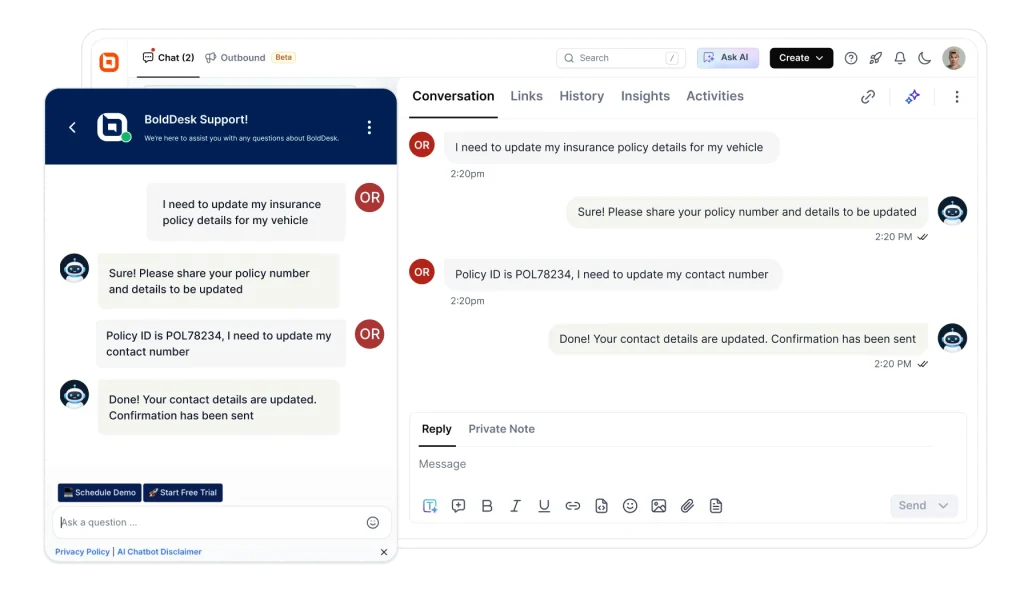
BoldDesk embeds with a single line of code and turns chat conversations into trackable tickets, which matters for post-purchase issues that take more than one exchange to resolve.
The ecommerce case for it is the unified inbox. Shoppers who ask about an order on WhatsApp, then follow up by email, then open a chat, arrive as one thread rather than three disconnected conversations.
Ecommerce fit: Connects through integrations and API rather than a native store app. Strongest if you take support across several channels. Less specialised than Gorgias if you are Shopify-only.
Key features
- Customisable chat widget matched to your store branding
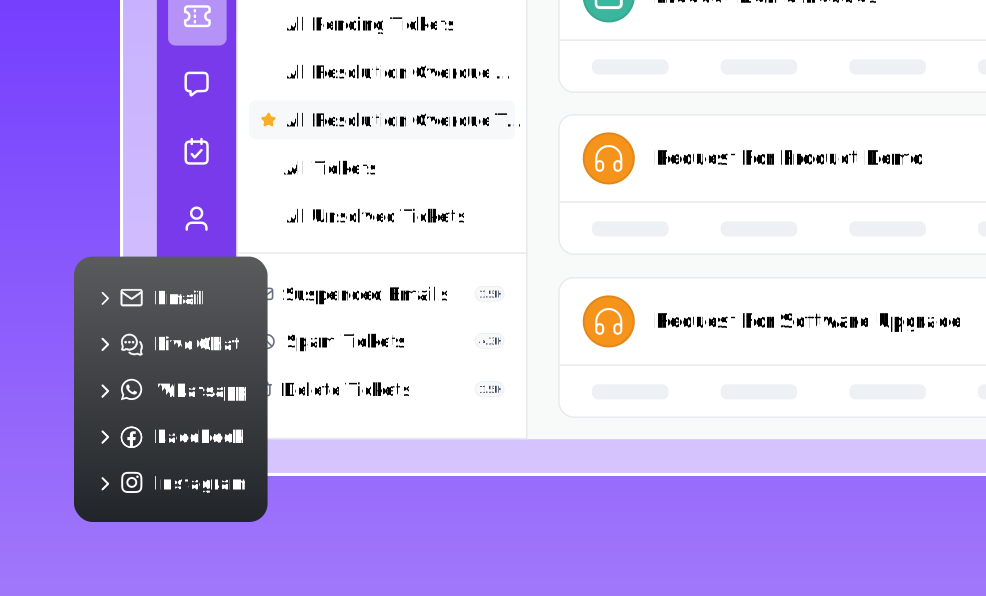
- Omnichannel inbox covering chat, email, WhatsApp, Instagram, Facebook and SMS
- AI Agent for automated answers, AI Copilot for agent reply suggestions
- Chat to ticket conversion with full history
- Canned responses for peak season scripts
- Visitor context including pages viewed before the chat
- Chat transcripts sent automatically
- Mobile apps for iOS and Android
Pros
- One inbox across every channel, with ticketing included rather than sold separately.
- Flat monthly price by team size, so cost does not spike with traffic.
Cons
- No permanently free plan. If you need a free tier indefinitely, Tidio or ProProfs are better fits.
- AI credits are a separate allowance on top of the plan price, so heavy automation adds cost.
Pricing
| Agents | Monthly (USD) | Included AI credits |
|---|---|---|
| 5 | $99 | 500 |
| 10 | $199 | 1,000 |
| 25 | $349 | 1,500 |
| 50 | $499 | 2,000 |
| 75 | $749 | 2,500 |
| 100 | $999 | 3,000 |
Additional AI credits are $20 per 1,000. AI Copilot is $20 per agent per month. Full detail on the pricing page.
Free trial: 15 days.
Already using Zendesk, Freshdesk or another help desk? BoldDesk will migrate your data and give you BoldDesk free until your current contract ends. Start a free migration.
2. Gorgias
Best for: Shopify stores that want order actions directly inside the chat.
Gorgias is built around ecommerce rather than adapted to it. Agents can see and act on order data without leaving the conversation, which is the capability most general tools lack.
Ecommerce fit: The strongest on this list for Shopify. Also supports other platforms, with less depth.
Key features: Native Shopify order view and actions, customer data driven responses, ecommerce-specific routing, automation rules.
Pros
- Built for stores, so the ecommerce workflow needs no assembly.
- Low entry price.
Cons
- Less useful if you are not on Shopify.
- Narrower than a general help desk if you also run internal or B2B support.
Pricing: From $10/user/month.
Free trial: 7 days.
3. Tidio
Best for: Small stores wanting the fastest possible setup.
Tidio combines live chat, AI, and automation with a simple setup for growing businesses.
Ecommerce fit: Shopify and WooCommerce apps, easy install, good for stores without a technical team.
Key features: Live typing preview, chat history, chat analytics, AI chat assistance.
Pros
- Genuinely quick to install.
- Has a free tier.
Cons
- Priced per conversation rather than per agent, so cost rises with traffic rather than team size.
- Model this at your peak month before committing, because a Black Friday spike is exactly when the bill grows.
Pricing: From $24.17/month for 100 conversations.
Free trial: 7 days.
4. ProProfs Chat
Best for: Shopify stores that want post-chat surveys and chat transfers.
ProProfs Chat offers live chat, automation, surveys, and conversation routing for customer support teams.
Ecommerce fit: Integrates with Shopify and other major platforms.
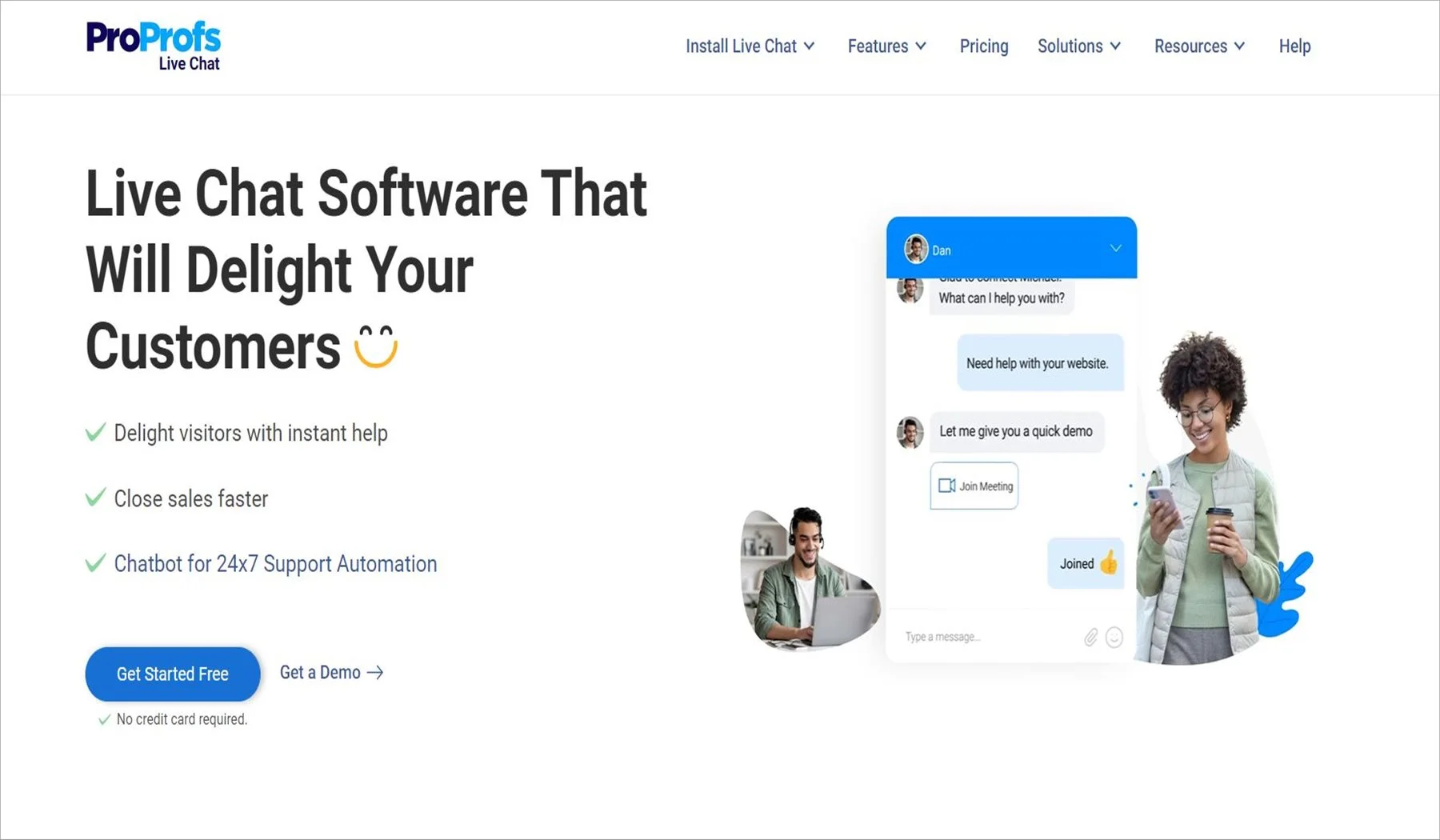
Key features: Post-chat surveys, multiple branding, chat transfers, 40+ integrations.
Pros
- Free plan for a single operator, which suits a one-person store.
- Survey tooling is strong.
Cons
- The single-operator free plan is restrictive once you add a second person.
- Fewer native order actions than Gorgias.
Pricing: From $19.99/user/month.
Free plan: single operator.
5. Intercom
Best for: Stores that want deep automation and workflow control.
Intercom combines live messaging with advanced AI automation and customizable support workflows.
Ecommerce fit: Connects through apps. Automation depth is the draw, not store-native features.
Key features: Proactive support, AI response automation, workflows, side conversations.
Pros
- The most capable automation on this list.
Cons
- The highest entry price here, and cost tends to climb with usage-based AI resolution charges.
- Heavier than most small stores need.
Pricing: From $29/user/month.
Free trial: 14 days.
6. LiveChat
Best for: Stores wanting proactive greetings and WhatsApp in one tool.
LiveChat provides real-time customer messaging with proactive greetings, automation, and integrations.
Ecommerce fit: Connects through ecommerce apps and works well for stores focused on proactive shopper engagement.
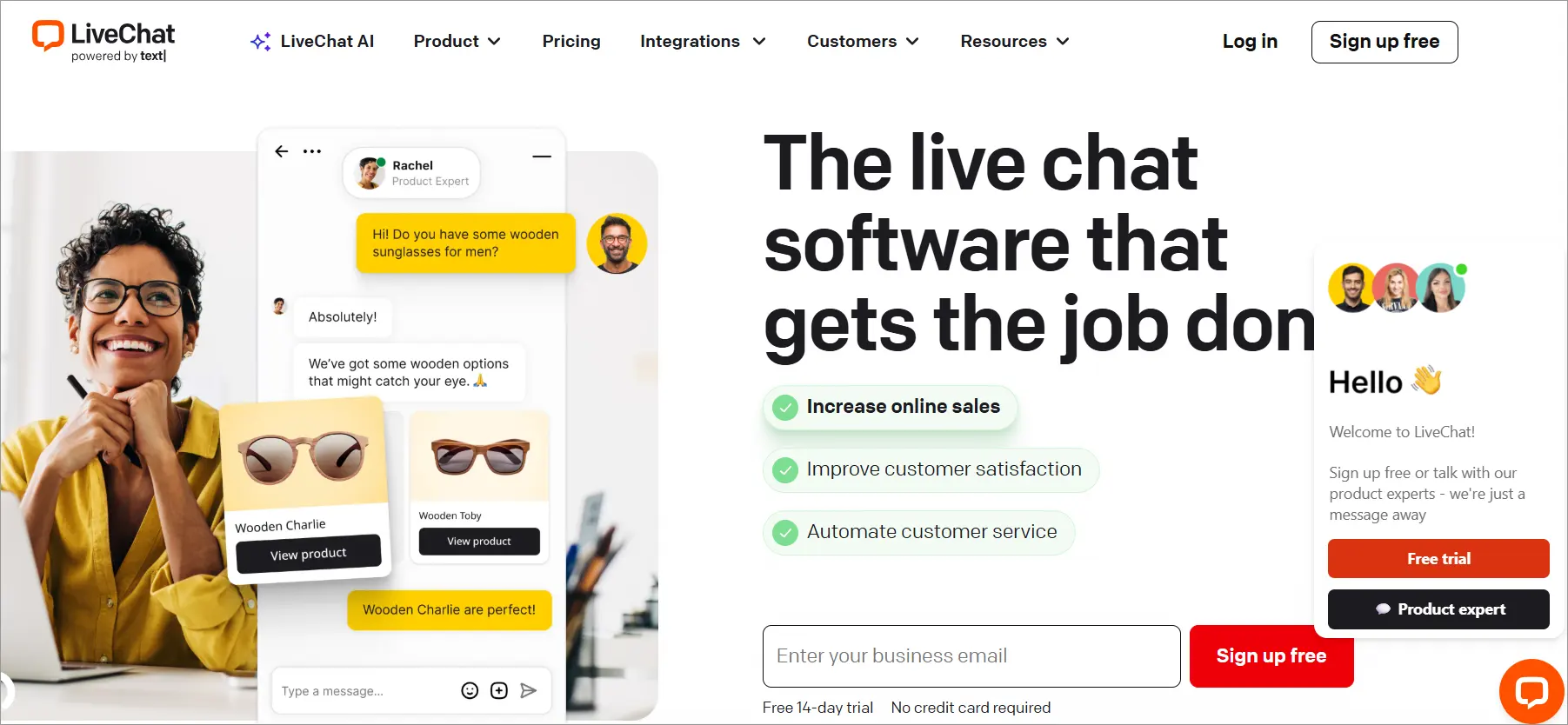
Key features: Chat transfers, AI automation, WhatsApp integration, pre-set greeting messages.
Pros
- Mature proactive messaging.
- Wide app marketplace.
Cons
- Chat only.
- You will need a separate ticketing tool for post-purchase issues, which means a second subscription.
See our LiveChat alternatives comparison if you are weighing a switch.
Pricing: From $19/user/month.
Free trial: 14 days.
7. HelpCrunch
Best for: Stores wanting a clean widget with solid reporting.
HelpCrunch combines live chat, proactive messaging, automation, and reporting in one platform.
Ecommerce fit: Supports ecommerce through integrations and chatbot workflows, with fewer store-specific capabilities.
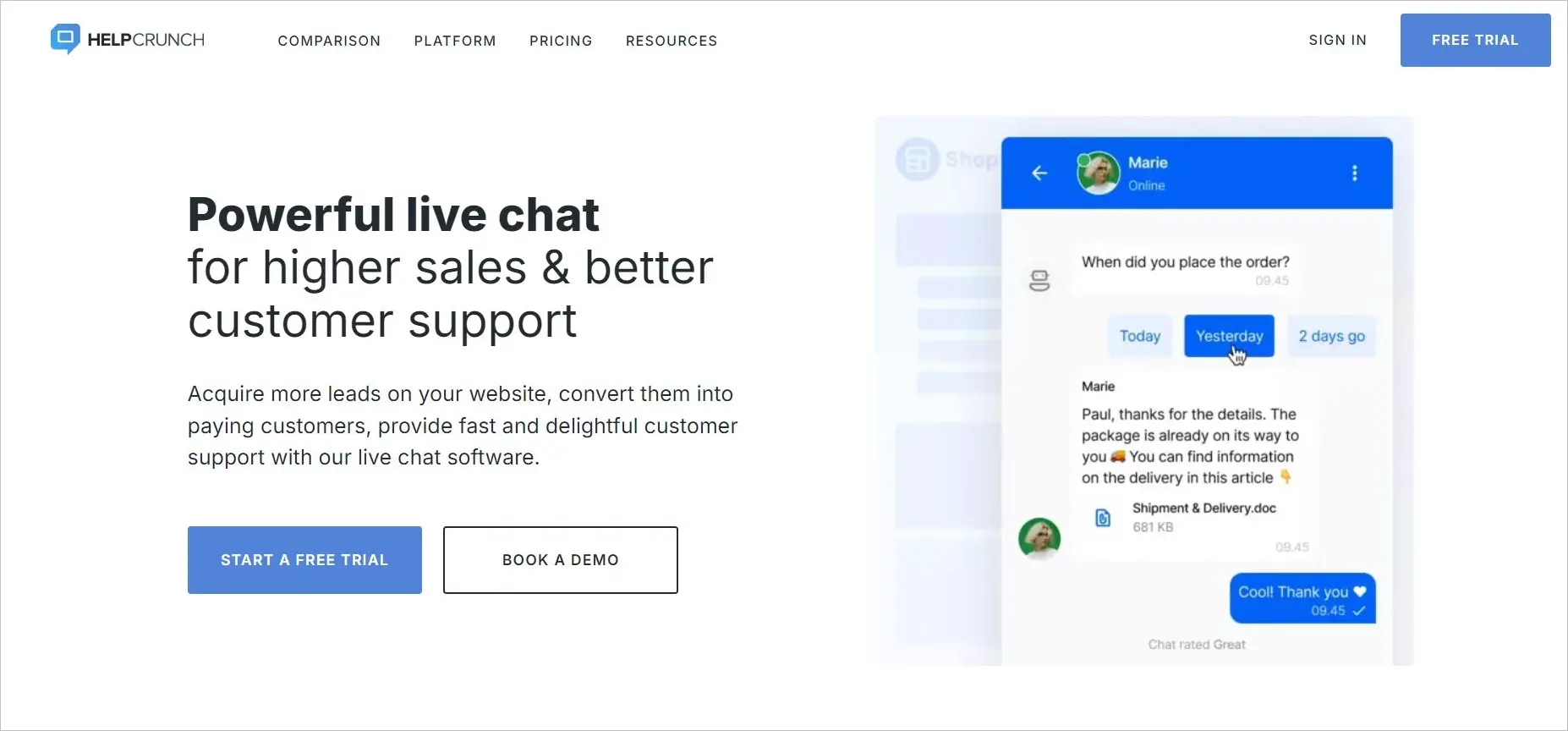
Key features: Proactive chats, WhatsApp integration, ecommerce chatbot flows.
Pros
- Highest G2 rating on this list at 4.7.
- Competitive entry price.
Cons
- Smaller integration marketplace than Intercom or LiveChat.
- Fewer ecommerce-specific features out of the box.
Pricing: From $12/user/month. Free trial: 14 days.
8. Freshchat
Best for: Brands that need chat reporting with AI-assisted proactive replies.
Freshchat combines live messaging, AI assistance, proactive engagement, and chat reporting.
Ecommerce fit: Connects through integrations and suits stores prioritizing automation and reporting.
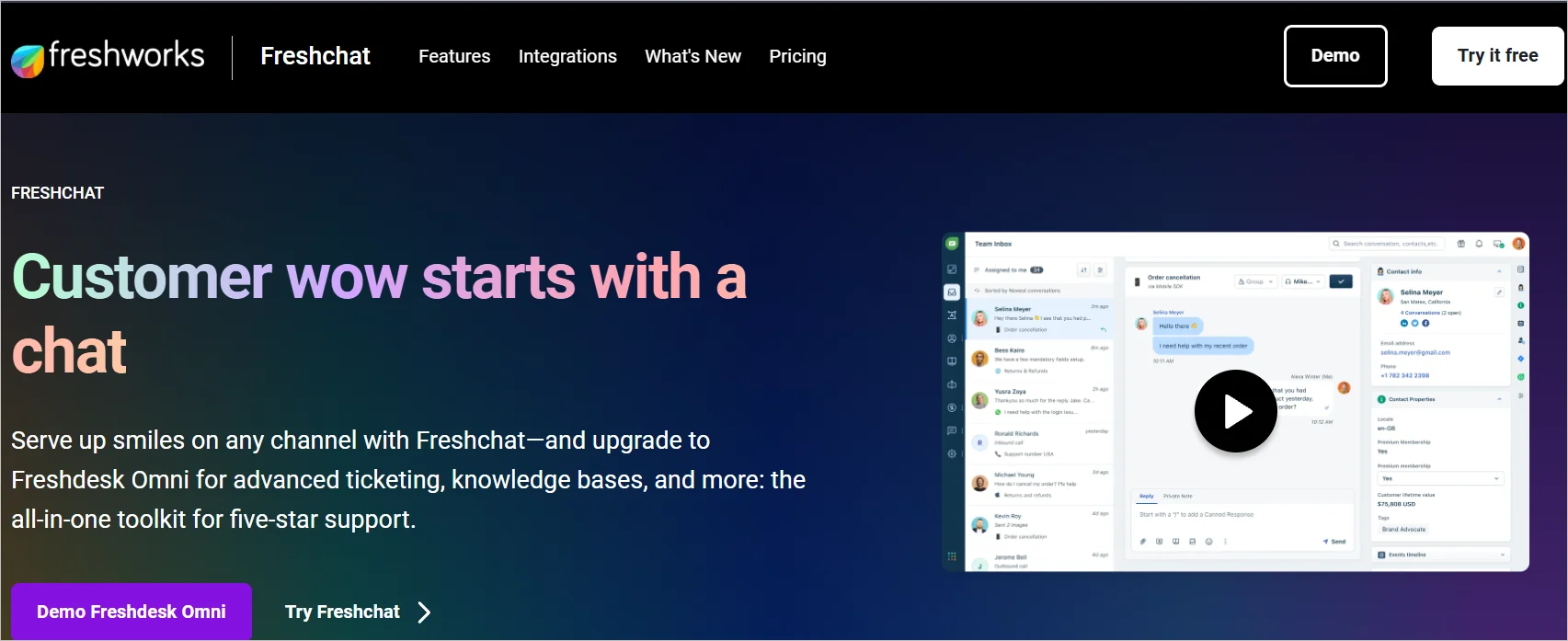
Key features: Chat analytics, proactive responses, AI assist.
Pros
- Strong reporting.
- Fits naturally if you already use other Freshworks products.
Cons
- The ecommerce integrations are generic rather than native.
- Value improves mainly when you buy into the wider suite.
Pricing: From $19/user/month.
Free trial: 14 days.
9. Zoho SalesIQ
Best for: Teams already inside the Zoho ecosystem.
Zoho SalesIQ offers live chat, visitor tracking, automation, and conversation routing.
Ecommerce fit: Integrates with Zoho Commerce and works best for stores already using the Zoho ecosystem.

Key features: No-code embeddable widget, advanced web forms, automated conversation assignment.
Pros
- Lowest per-user price here at $7.
- Strong if you run Zoho CRM already.
Cons
- Most of the value depends on being in the Zoho suite.
- As a standalone chat tool it is less compelling.
Pricing: From $7/user/month.
Free trial: 15 days.
10. LiveAgent
Best for: Multilingual stores needing chat routing.
LiveAgent combines live chat with ticketing, routing, multilingual support, and reporting.
Ecommerce fit: Connects through integrations and suits multilingual stores needing flexible chat routing.
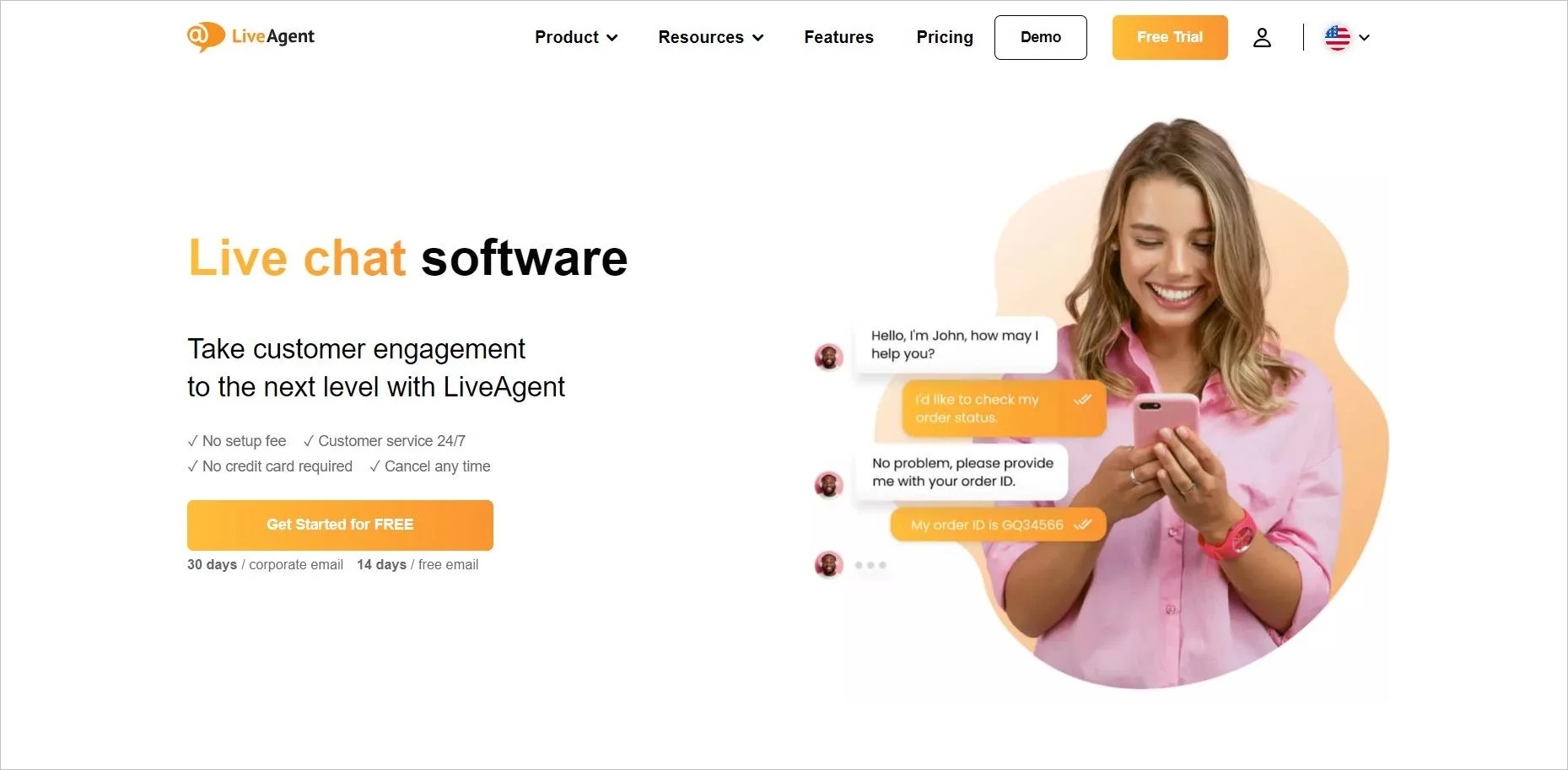
Key features: Multilingual chat widgets, chat routing, real-time typing view, reports.
Pros
- Longest free trial on this list at 30 days.
- Good multilingual support for cross-border stores.
Cons
- The interface feels dated next to newer tools.
- Advanced features can have a steep learning curve and require additional training.
See our LiveAgent alternatives comparison.
Pricing: From $15/user/month.
Free trial: 30 days.
11. Olark
Best for: Stores wanting something simple and customisable.
Olark provides straightforward live chat with widget customization, analytics, and basic automation.
Ecommerce fit: Connects through integrations and suits stores that prioritize simplicity over advanced ecommerce features.
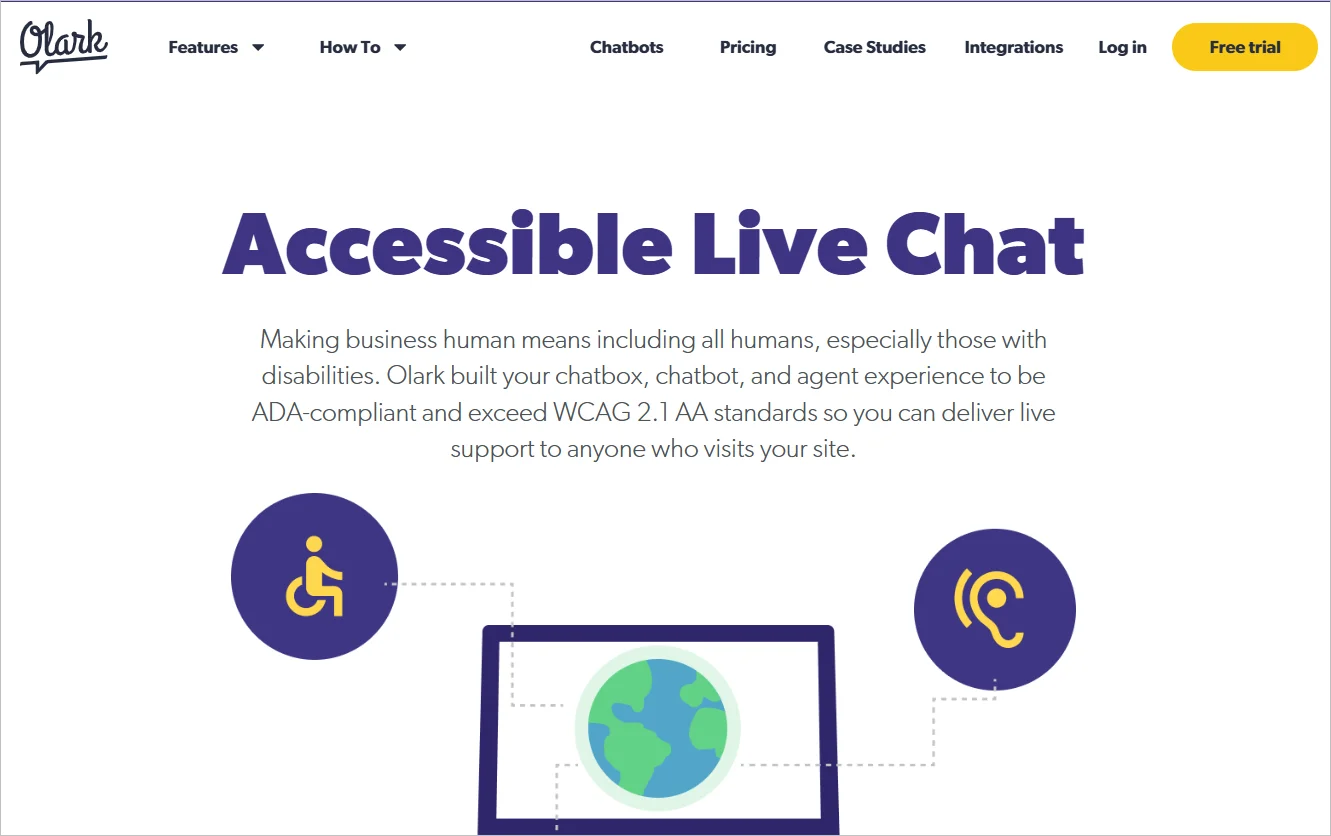
Key features: Custom chat widget, agent groups, live chat analytics, automated responses.
Pros
- Simple and quick to learn.
- Good widget customisation.
Cons
- No AI capability to speak of, and priced at $29/user/month, which is the joint highest here for the least functionality.
- Hard to justify unless simplicity is the priority.
Pricing: From $29/user/month.
Free trial: 14 days.
12. Twilio
Best for: Teams with developers who want to build chat themselves.
Twilio provides APIs for businesses to build customized messaging and conversational experiences.
Ecommerce fit: Best for stores with developers that need custom chat workflows and integrations.
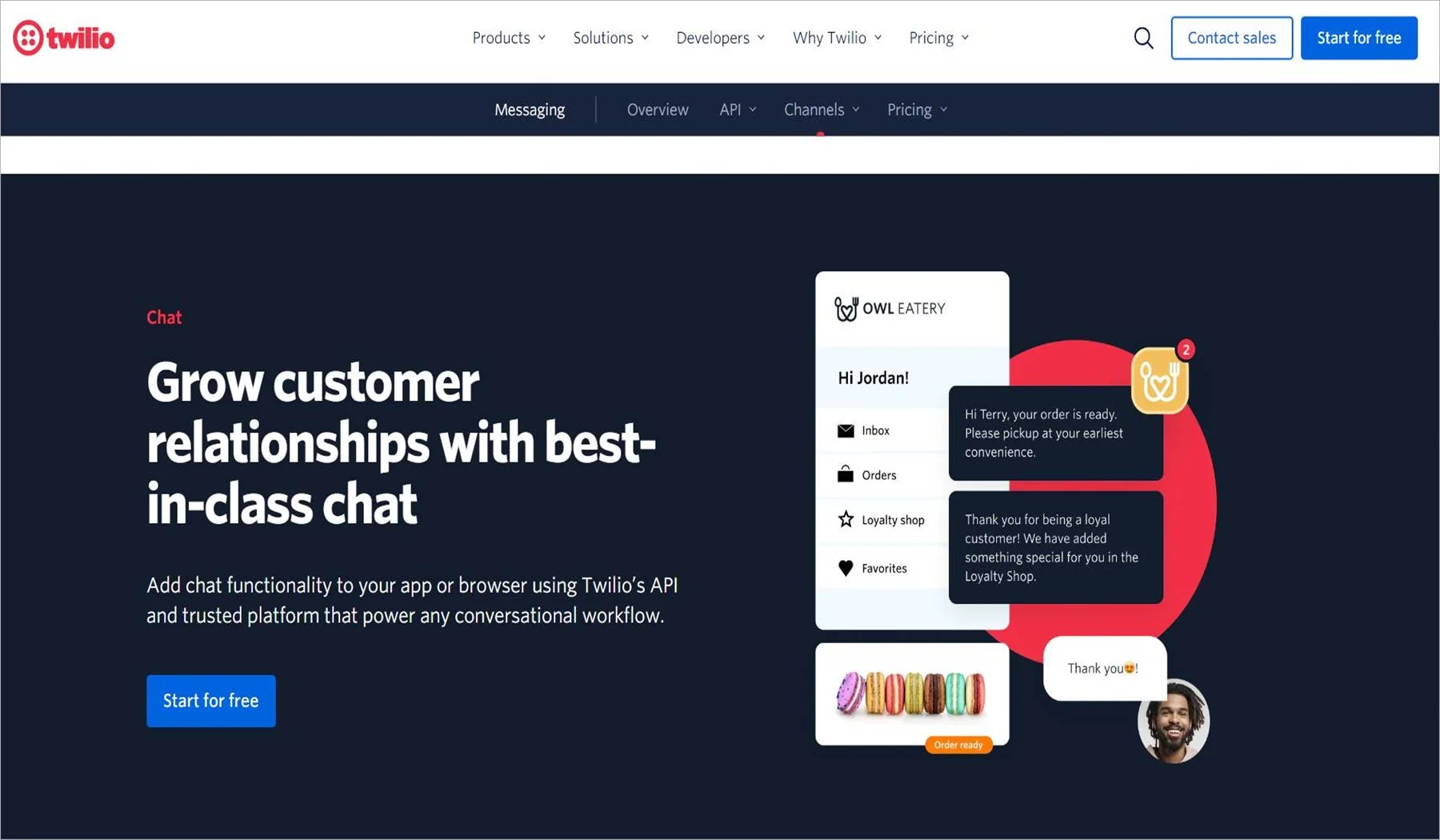
Key features: Chat APIs, conversational workflows, platform integrations.
Pros
- Total control over the experience.
- Usage pricing can be cheap at low volume.
Cons
- This is not a product, it is a toolkit. There is no agent interface, no reporting and no widget out of the box.
- Budget for development time and ongoing maintenance.
Pricing: Usage-based.
Free tier: Available with limits.
Which ecommerce live chat software should you choose?
Shopify-only store, under 5 agents: Gorgias. Native order actions will save more agent time than anything else on this list.
Multi-channel store where customers reach you on WhatsApp and Instagram too: BoldDesk. One inbox and ticketing included matters more than store-native depth once support is spread across channels.
One-person store just starting out: Tidio or ProProfs Chat, for the free tier. Revisit once volume grows, and model the conversation-based pricing at peak before you commit.
Large store with a support team and complex workflows: Intercom, if the budget allows it.
Already running Zoho or Freshworks: SalesIQ or Freshchat. The suite integration usually outweighs a better standalone tool.
You have developers and unusual requirements: Twilio. Everyone else should choose a finished product.
Whatever you pick, test it on a phone before you commit, check the script weight against your product page load time, and run the free trial through a real peak hour rather than a quiet afternoon.
Ready to try it
BoldDesk brings chat, email, WhatsApp, Instagram and SMS into one inbox, with ticketing and an AI agent included. Start a 15 day free trial, no card needed.
Already using another help desk? We will migrate your data and give you BoldDesk free until your current contract ends.
Related reads
- 42 Key Live Chat Statistics You Must Know in 2026
- Next-Level Support in BoldDesk: Live Chat and Omnichannel
- 9 Best Ecommerce Customer Service Tips for 2026
FAQs
Most tools integrate with Shopify, WooCommerce, Magento and BigCommerce. The integrations differ in depth. Some only sync contact records, while others let agents view order details, customer history and cart contents inside the chat window.
Check whether the agent can act on an order, such as issuing a refund, or only read it.
It can, when it is triggered at the right moment. Chat that opens on the cart page after 45 to 60 seconds of inactivity, or on exit intent with a high-value cart, gives a shopper a chance to ask the question that is blocking them.
Chat that opens five seconds after page load usually gets dismissed. Measure recovery per trigger and switch off the ones that do nothing.
Three at a time is realistic while keeping quality. Four works for simple, repetitive queries. Beyond that, response times slip and shoppers notice. Use three when calculating peak season staffing.
Reputable tools follow standard security practices including encryption in transit and at rest, and compliance with regulations such as GDPR.
If your agents will see order or payment-adjacent data, review each provider’s security documentation and confirm what is stored and for how long.
Yes, with proper preparation. Automate order status queries, set clear chat hours with an offline form, prepare canned responses, and plan staffing based on chat volume, handle time, and concurrent chats.
Track chat-assisted conversion rate, revenue per chat, cart recovery rate by trigger, and deflection rate, alongside the usual CSAT and first response time. Service metrics tell you whether customers are happy.
Revenue metrics tell you whether the channel pays for itself.
Live chat connects a shopper to a person. A chatbot answers automatically. Most stores need both: automation for order status volume, humans for the product and checkout conversations that influence a purchase.
See chatbot vs live chat for how to decide which queries go where.


